
Local SEO

Right now, someone is typing your product or service into Google. There’s a real chance they’re finding your competitor instead. This isn’t a guess, and it isn’t a scare tactic. You can check it yourself in the next ten minutes, no expensive audit required. A local SEO visibility problem doesn’t announce itself. It quietly sends business elsewhere until a drop in calls forces the question. We built our local SEO diagnostics for exactly this need. Here are the five signs: your business is missing from the Local 3-Pack, your NAP data doesn’t match across directories, your reviews have gone stale, your Google Business Profile is incomplete or unclaimed, and your website sends no local relevance signals at all.
Key Takeaways
- A business can lose local search visibility for months before a drop in calls makes the problem obvious.
- The Local 3-Pack gets most clicks on map-based searches. Missing from it is the costliest sign to ignore.
- NAP mismatches, stale reviews, and an incomplete Google Business Profile are usually easy to fix once you spot them. The hard part is finding them, not fixing them.
- You can check every sign below in minutes using tools already in your browser. No paid audit needed just to find out if there’s a problem.
- This is a diagnostic, not a to-do list. The goal is to confirm what’s actually broken before you spend a dollar fixing it.
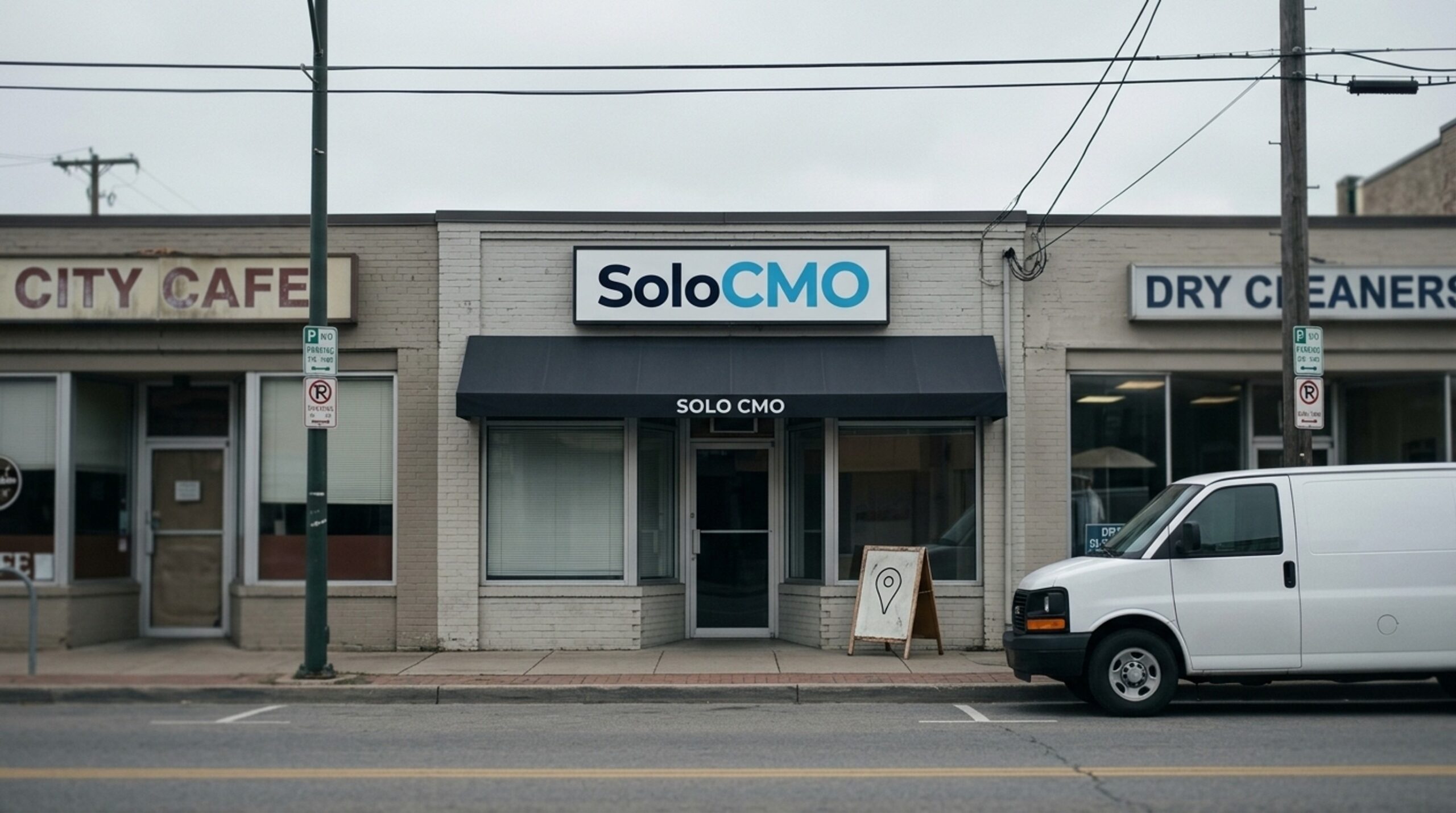
Sign #1: You Don’t Appear in the Local 3-Pack for Your Core Keywords
The Local 3-Pack is the small map and three business listings Google shows above regular search results for local-intent queries like “plumber near me.” It sits at the top of the page, which means it captures most clicks before a searcher ever scrolls down to organic results. Businesses that rank higher here capture the biggest share of that traffic, which is why it pays to optimize your Google Business Profile and website together instead of treating them as separate projects.
How to check your own ranking in under two minutes
Open an incognito browser window so your search history and location settings don’t skew results. Search your core keyword plus your service area, using the same phrase a customer would type. Look at what shows up in the map pack. If your business appears in regular results below the map but never in the 3-Pack itself, that’s a specific, fixable problem, not a general ranking failure.
The three ranking factors behind absence
Google has confirmed that local ranking depends on three factors:
| Factor | What it measures | Common gap |
|---|---|---|
| Proximity | How close the business is to the searcher | Little control, but relevant to service-area targeting |
| Relevance | How well your profile and website match the keyword | Thin content, missing categories |
| Prominence | Overall authority from reviews, links, citations | Builds slowly, often overlooked |
If you miss the 3-Pack but still show up in regular search results, that points to a relevance or proximity gap tied to your Google Business Profile, not a broken website. If you’re missing from both, potential customers searching for exactly what you offer are landing on a competitor’s listing instead.
If you want to see how these gaps look across an entire service area rather than one keyword, the guide on reading a local SEO heatmap walks through it visually.
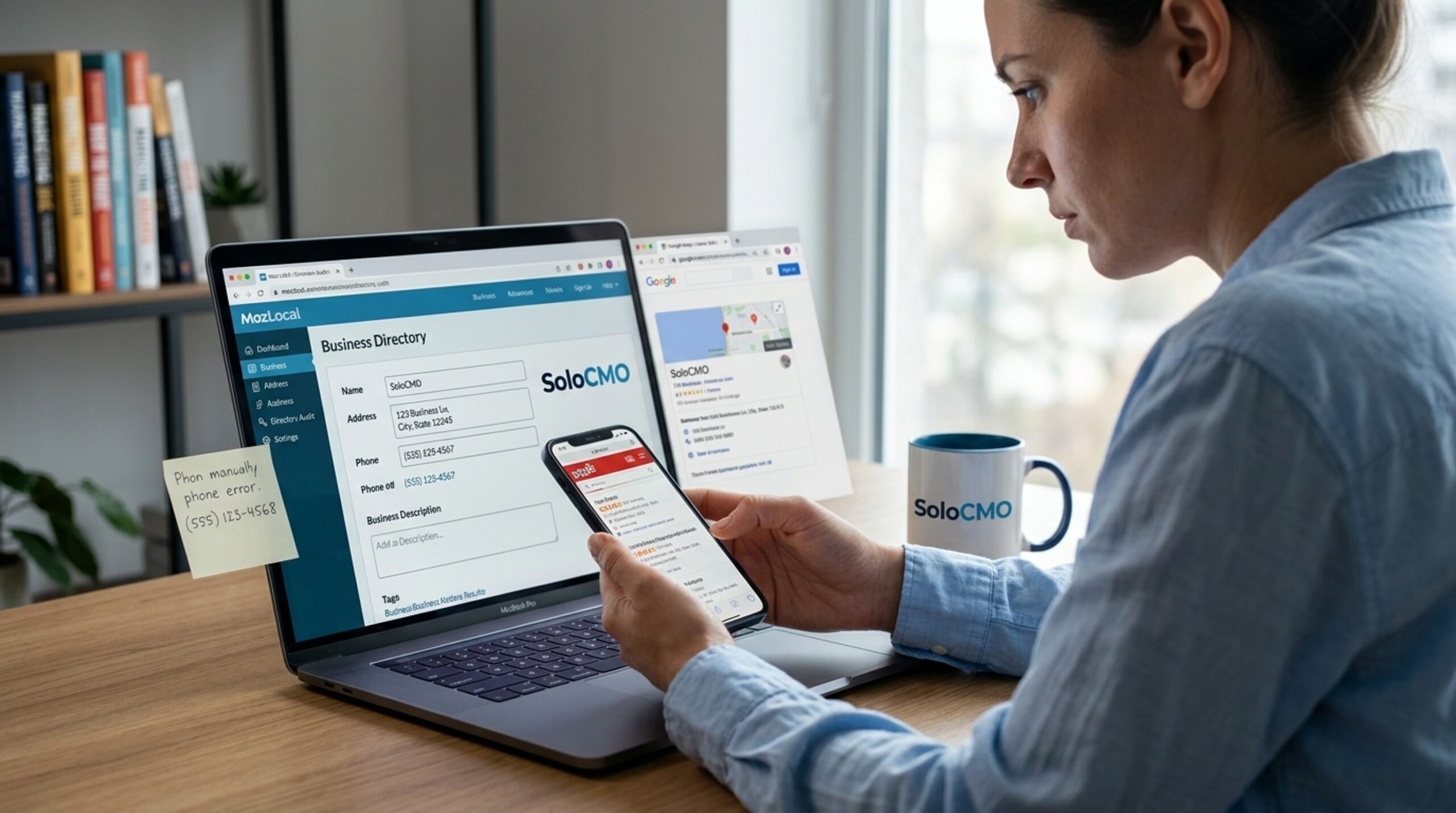
Sign #2: Inconsistent NAP Data Across Directories
NAP stands for Name, Address, Phone number. It needs to match exactly everywhere your business appears online: your website, your Google Business Profile, and every directory listing you’ve ever created.
What NAP consistency means and why Google cares
Google checks your business information across the web as a trust signal. When your name, address, or phone number doesn’t match from one listing to the next, it creates doubt about which version is correct, and that doubt suppresses ranking. For a local business trying to outrank nearby competitors, this is often the quiet reason nothing seems to move.
Common causes of citation drift
Citation drift happens quietly, often years after setup:
- A business moved locations but never updated older directory listings
- A rebrand changed the business name on the website but not on Yelp
- A new phone number replaced the old one everywhere except a few forgotten citations
- A former employee created listings under a slightly different name or suite number
One retail client we reviewed had rebranded two years earlier but never touched its citations. Three directories still listed the old business name and a disconnected phone number, quietly telling Google there were two competing versions of the same business. Once flagged, correcting it took under an hour.
Where to check your citations
Search your business name directly on Yelp. Tools like BrightLocal and Moz Local scan directories and flag mismatches automatically, saving you from checking dozens of local citations by hand.
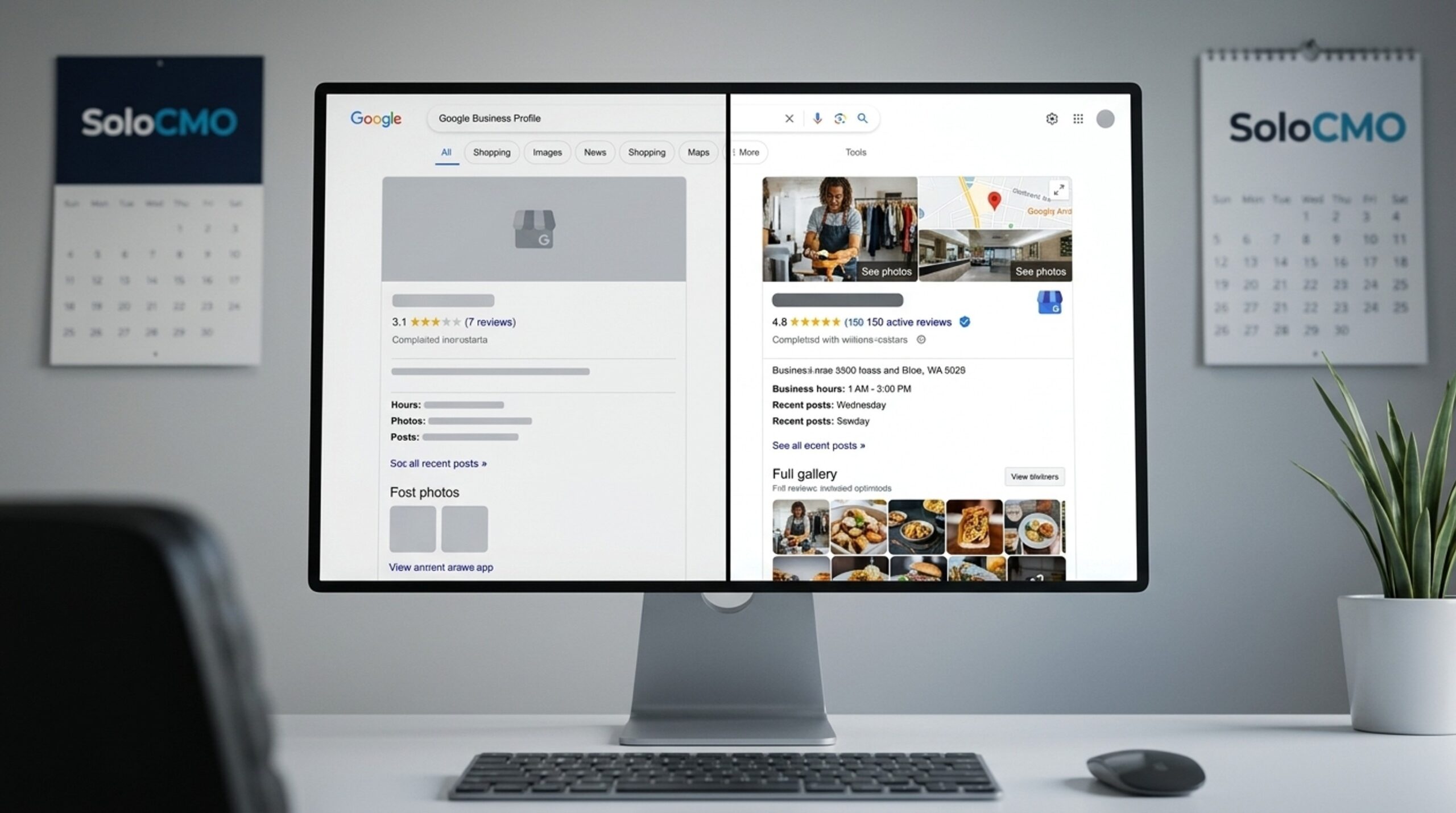
Sign #3: Your Reviews Have Gone Stale
Reviews feed directly into the prominence factor behind local ranking. Volume, recency, and star rating all matter in how Google judges a business. A profile with a steady stream of recent, positive reviews looks very different, to both a searcher and the algorithm, than one with a handful of reviews from three years ago and nothing since.
Why review volume and recency both matter to ranking
Slow review growth signals inactivity to Google and to every potential customer scanning your profile. That’s often not the full story. It usually just means review requests fell off the to-do list months ago, which happens to nearly every solo marketer at some point.
The distinction matters because the two problems have different fixes. Low volume is a long game. A stale date is not. A business with 40 reviews and nothing new since last spring is telling searchers the same thing as a business with four.
How to check where you actually stand
This one takes two numbers, not an audit.
Open your Google Business Profile and find the date on your most recent review. Then search your core keyword plus your service area and open the three businesses sitting in the 3-Pack. Count their reviews.
Now compare. If your most recent review is older than 90 days, recency is your gap. If your total sits below the weakest of those three listings, volume is your gap. Plenty of businesses have both, and knowing which one is bigger tells you where the first month of effort should go.
Reviews feed directly into the prominence factor behind local ranking. Volume, recency, and star rating all matter in how Google judges a business. A profile with a steady stream of recent, positive reviews looks very different, to both a searcher and the algorithm, than one with a handful of reviews from three years ago and nothing since.
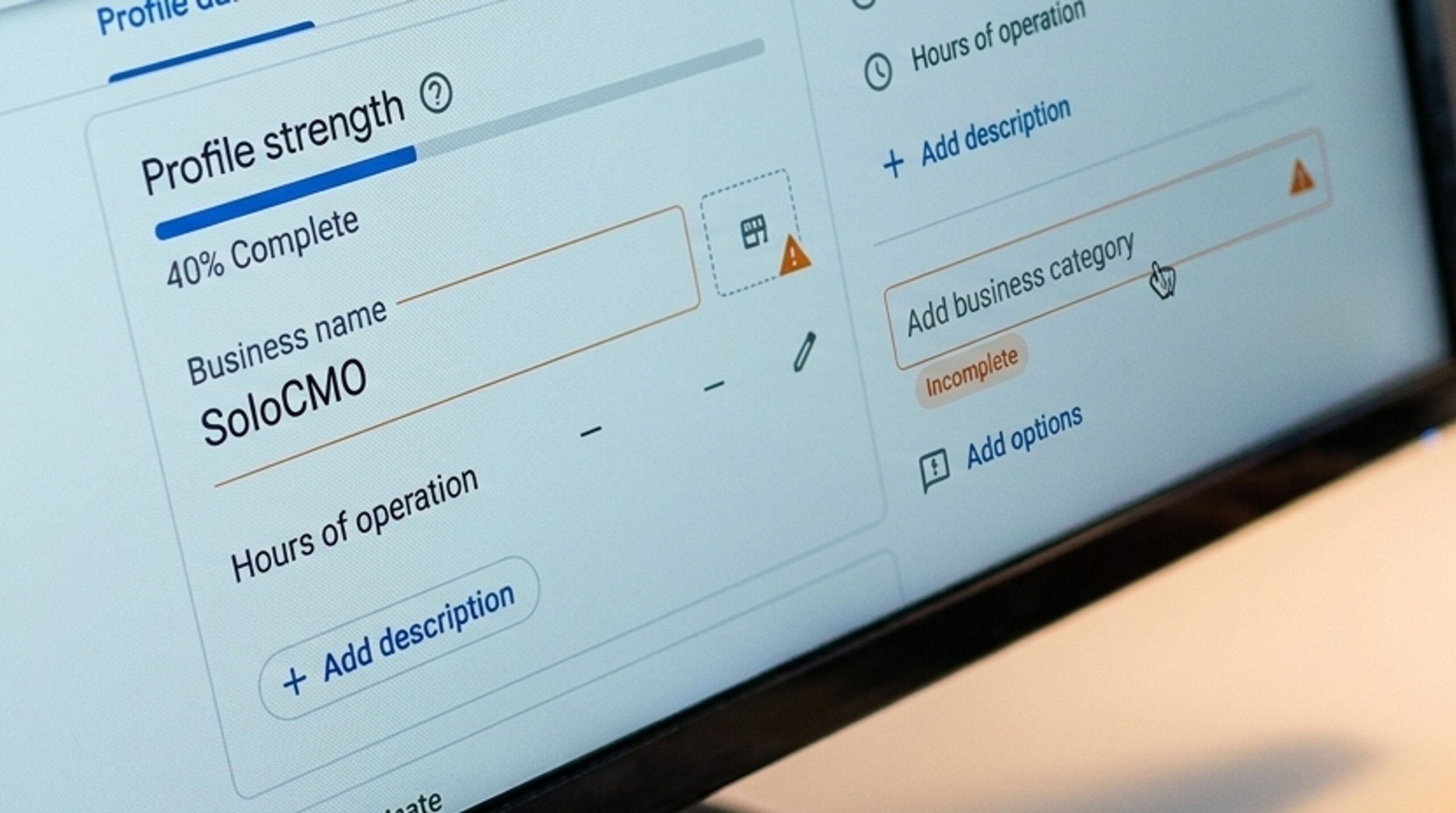
Sign #4: Your Google Business Profile Is Incomplete or Unclaimed
Reviews are only one part of what Google reads on your profile. The rest of it, the categories, hours, photos, and posts, carries its own weight, and these are the gaps that tend to sit unnoticed longest because nothing about them looks broken from the outside.
Common Google Business Profile gaps
- Wrong or missing business categories that don’t match what you actually sell
- Outdated hours, especially after holidays or seasonal changes
- Few or no photos, which hurts both trust and engagement
- No recent posts, which makes the profile look abandoned
Businesses managing several business profiles across locations often find these gaps multiply quickly, since each one needs the same upkeep.
Checking whether your profile is claimed and verified
Unclaimed or unverified profiles are more common than most marketers think, especially when a web developer or former employee set it up originally. Search your business name on Google and check if a “claim this business” prompt appears. If it does, you’re not the one controlling your own profile, and that alone can stall your ranking.
Work through the four gaps above in the same sitting. Categories first, since a wrong primary category can keep you out of the 3-Pack for the exact keyword you’re trying to rank for, no matter how complete the rest of the profile looks.
Sign #5: Your Website Lacks Local Relevance Signals
Google Business Profile, reviews, and citations are off-page signals. Your website carries on-page signals that the search engine also weighs when deciding who deserves to rank locally.
On-page signals vs. off-page signals
A fast, well-designed site can still underperform locally if it never clearly tells search engines where it operates. Technical SEO and local relevance are related but distinct problems. You can pass every speed and user experience test and still be invisible locally if your content never mentions your service area or the words people actually search for.
What LocalBusiness schema markup does
Schema markup, specifically LocalBusiness schema, is code added to your website that clearly tells Google what your business is, where it operates, and what it offers. Without it, Google has to guess based on context clues instead of reading a clear signal, which makes it harder to rank for the exact searches your customers are typing.
Checking indexing and keyword visibility
Google Search Console shows whether your pages are indexed and which local keywords are earning impressions. SEMrush Local can add to that by tracking keyword visibility against competitors. Thin or missing location-specific content, like having no dedicated page describing your service area, is one of the most common and most fixable gaps in an otherwise solid local SEO strategy.
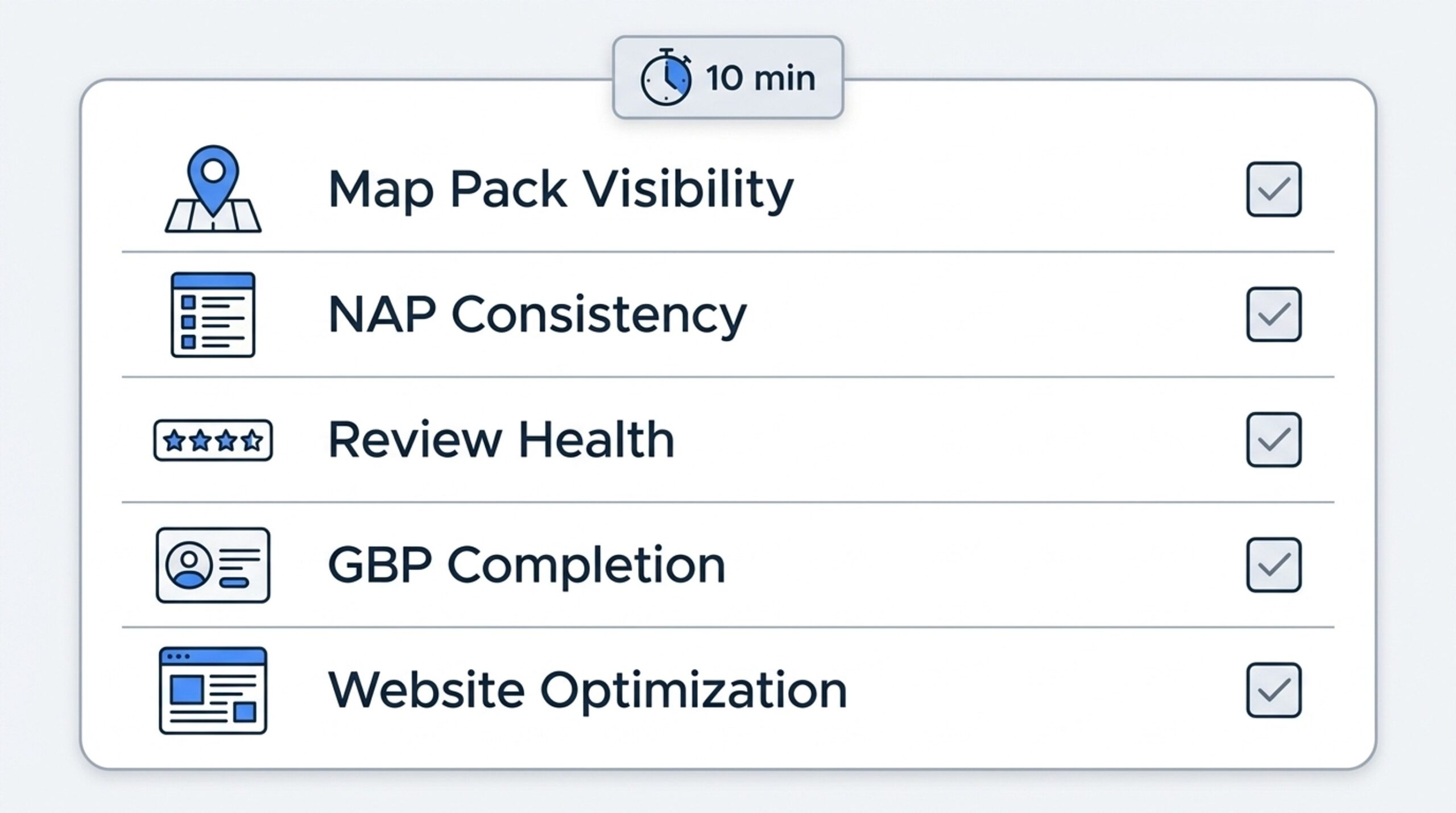
The 10-Minute Local SEO Self-Audit Checklist
Here’s where everything above turns into something you can do today. No paid audit, no agency call, just a browser and ten focused minutes.
- Search your core keyword plus service area in an incognito window and check whether you appear in the 3-Pack
- Search your business name on Yelp, BrightLocal, or Moz Local and compare results for NAP mismatches
- Open your Google Business Profile and check your review count and the date of your most recent review
- Confirm your profile is claimed, verified, and has current categories, hours, and photos
- Check Google Search Console for indexing status and whether your local keywords are earning impressions
Most small businesses making these local SEO mistakes never actually run this check. They assume the problem doesn’t exist or can’t be fixed. In reality, it’s usually specific and fixable once someone looks. For the full picture across every keyword and location at once, our guide on reading a local SEO heatmap is a good next step.
Conclusion: The Real Problem Isn’t Your SEO, It’s Your Bandwidth
Every sign above traces back to the same root cause. Nobody has had time to watch your Google Business Profile, reviews, citations, and website signals all at once, every week, without end. That’s not a knowledge gap, it’s a bandwidth problem, the same one facing nearly every solo marketer trying to protect their online presence alone.
You’ve done the hard part: you know exactly where you stand, and none of it happened because you missed something obvious. Monitoring five moving signals alone, every week, isn’t a realistic ask for one person. If it would help to talk through what you found in the checklist above, you can get an estimate and see what handing off the ongoing monitoring actually looks like.
FAQ
How do I know if my business is not showing up on Google?
The incognito search test from Sign #1 is the fastest way to confirm this: search your core keyword plus your service area and see what shows up. If you appear in regular results but not the map pack, the cause is likely tied to your Google Business Profile or proximity, not a fully broken presence.
Why is my business not showing up in Google Maps?
Google Maps visibility depends heavily on how complete your Google Business Profile is, along with proximity and relevance signals. An unclaimed profile, missing categories, or thin local content can all keep you off the map even if your business is legitimate and well-established.
What causes poor local search rankings?
Poor local search rankings usually come from weak performance in proximity, relevance, and prominence, the three-factor framework Google itself has described. The five signs in this article are the practical, checkable version of those three factors, and some of the biggest local SEO mistakes happen when one or more of these signals go unwatched for months.
How do I check my local SEO ranking?
An incognito search of your core keyword and service area is the quickest first check for your local SEO ranking. Google Search Console confirms indexing and keyword visibility, and tools like SEMrush Local or BrightLocal can add ongoing tracking on top of that.
What is the local 3-pack and why isn’t my business in it?
The Local 3-Pack is the map and three business listings Google shows above regular results for local-intent searches. Businesses miss it due to weak proximity, poor relevance signals, or low prominence compared to competitors, who are actively working on these same three factors right now.
How long does it take to fix local SEO visibility issues?
Fixing local SEO visibility issues takes anywhere from a few days to several months, depending on which sign caused the problem. NAP fixes and Google Business Profile updates can show results within weeks, while rebuilding review momentum and prominence usually takes steady effort over several months.
What are the biggest local SEO mistakes businesses make?
The biggest local SEO mistakes are the five signs covered in this article: missing the 3-Pack, inconsistent NAP data, stale reviews, an incomplete Google Business Profile, and a website with no local relevance signals. These mistakes tend to recur, since none of these signals stay fixed for good without regular review.
Recent Posts

Why Is My Funnel Converting Below Industry Average?
A below-average funnel conversion rate almost always comes from one of five causes: mismatched traffic, a weak landing page or offer, poor follow-up, weak lead qualification, or the wrong benchmark. You don’t need a week of guessing to find the cause. A structured funnel diagnostic can find it in hours. If you’d rather hand the work off, that’s exactly what
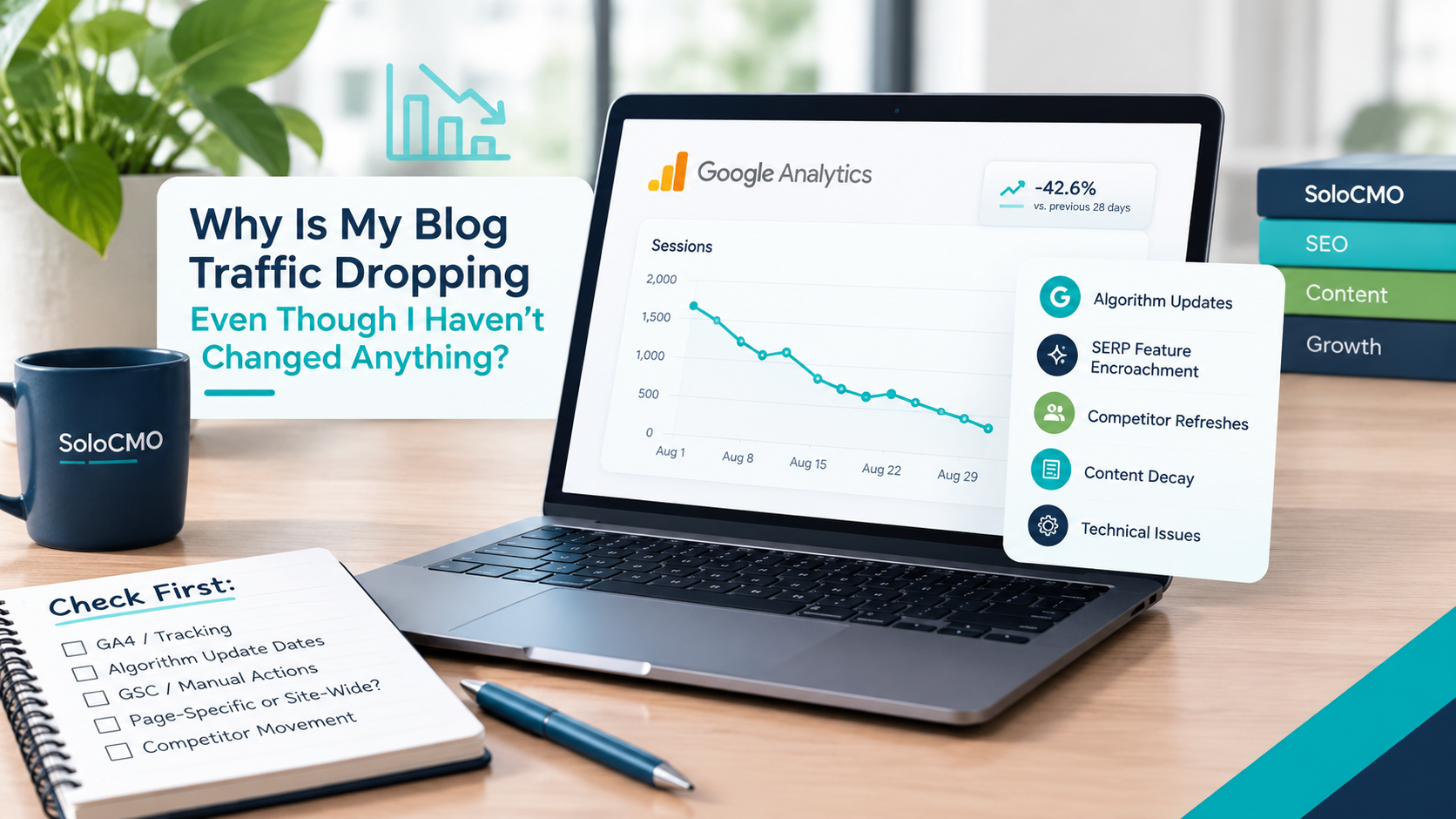
Why Is My Blog Traffic Dropping Even Though I Haven’t Changed Anything?
If you’re staring at a declining line in Google Analytics and mentally replaying every recent action looking for what you broke, stop. Blog traffic dropping for no reason is one of the most confusing problems a solo marketer can face. Here’s the short answer: it’s almost never something you did. Traffic drops without site changes are usually caused by algorithm
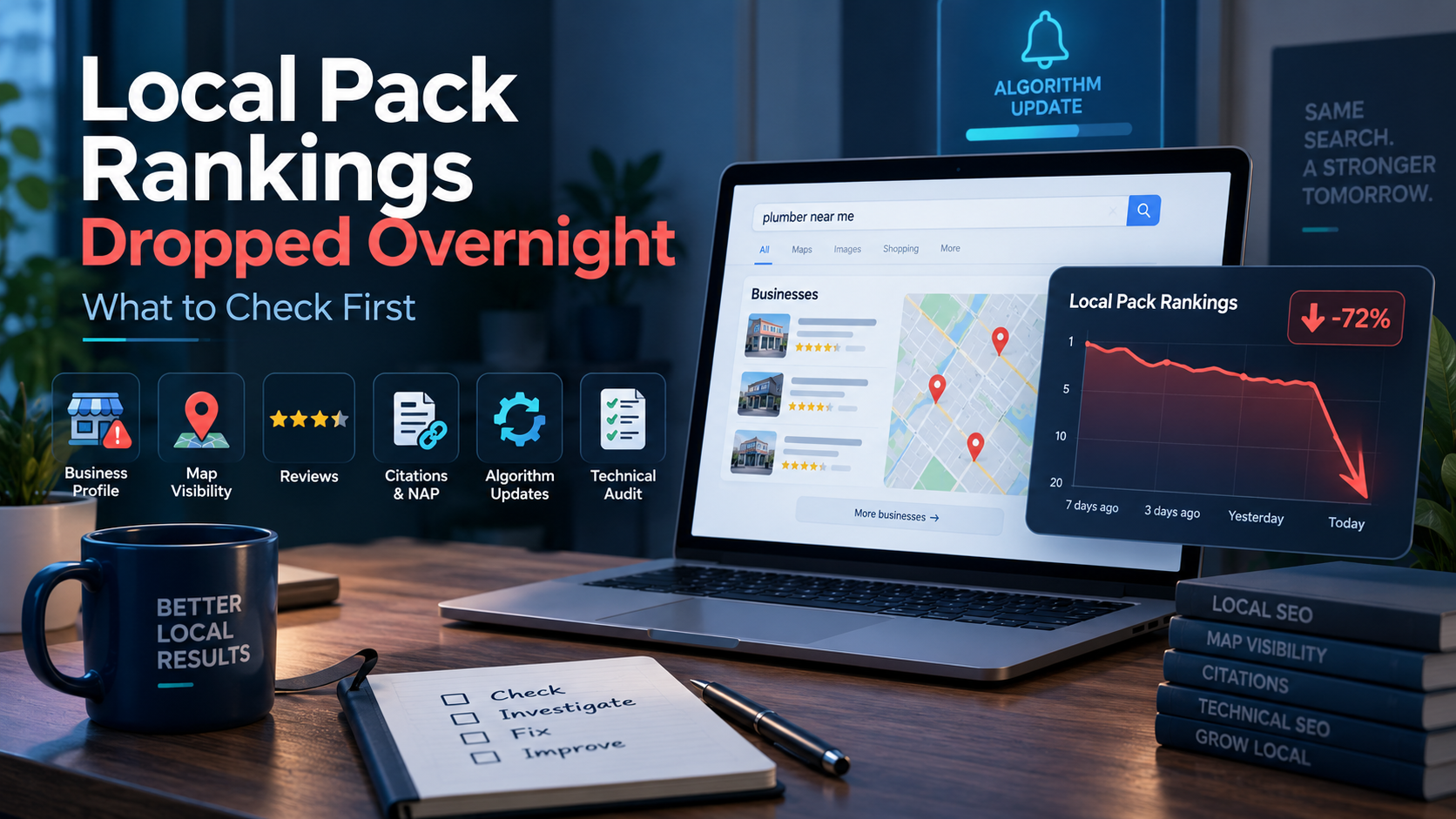
Local Pack Rankings Dropped Overnight: What to Check First
Okay, first thing: check your Google Business Profile status. When local pack rankings drop overnight, that’s the fastest and most common cause, and confirming it takes under two minutes. This isn’t a mystery that needs an agency or a week of guessing. It’s a known, ordered checklist, and you can run it yourself in the next hour. If your GBP
Get Smarter About Your Marketing
Practical SEO, AI, content, and marketing strategies you can put to work immediately.
Join the Newsletter