Local SEO
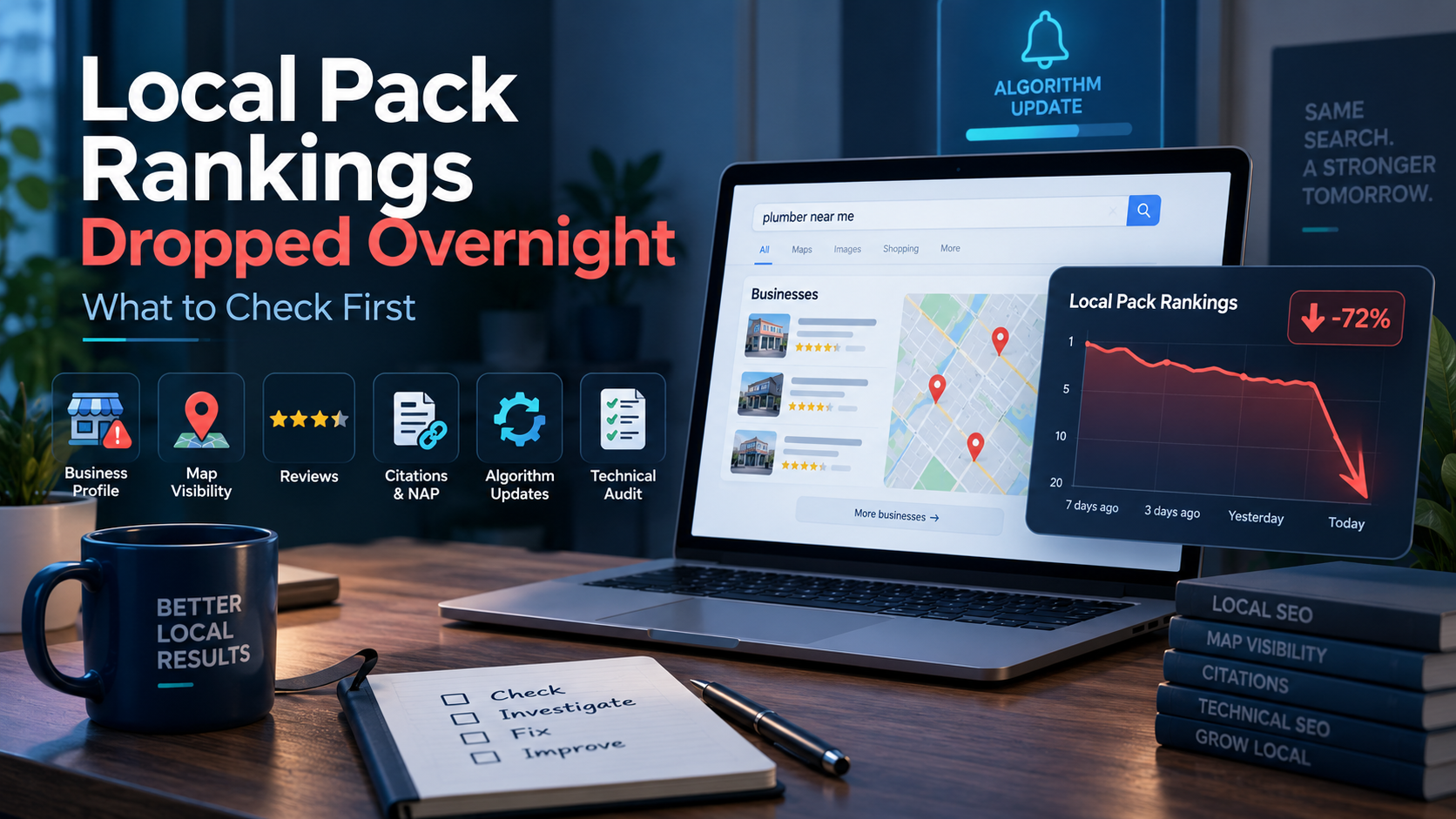
Okay, first thing: check your Google Business Profile status. When local pack rankings drop overnight, that’s the fastest and most common cause, and confirming it takes under two minutes. This isn’t a mystery that needs an agency or a week of guessing. It’s a known, ordered checklist, and you can run it yourself in the next hour.
If your GBP looks healthy, work through algorithm timing, NAP consistency, review activity, competitor changes, and technical issues, in that order. Solo marketers rarely have a spare afternoon for a slow audit. That’s why managing local SEO with a prioritized process matters more than an exhaustive one. Check the most likely cause first, before the less likely ones. You’ll usually have your answer before your coffee gets cold.
Key Takeaways
- Check Google Business Profile status first. Suspension, disabling, or unverification causes the sharpest ranking drops and takes seconds to confirm.
- Confirm the drop is real before diagnosing anything. Incognito browsing, device changes, and personalization can all fake a ranking shift in local packs.
- Work the checklist in order: GBP status, algorithm timing, NAP and citations, reviews, competitors, technical issues.
- Most pack ranking problems are diagnosable in under an hour without hiring an agency or specialist.
- Recovery time varies by cause, from a few hours for a bug to several months for an algorithm shift or manual action.
The Immediate 60-Second Sanity Check: Is This a Real Drop?
Before you touch anything, confirm the drop actually happened. Plenty of “rankings collapsed overnight” panics turn out to be a personalization quirk or a one-time glitch in how a search result loaded. Worth the sixty seconds before you spiral.
Check Incognito and Multiple Devices
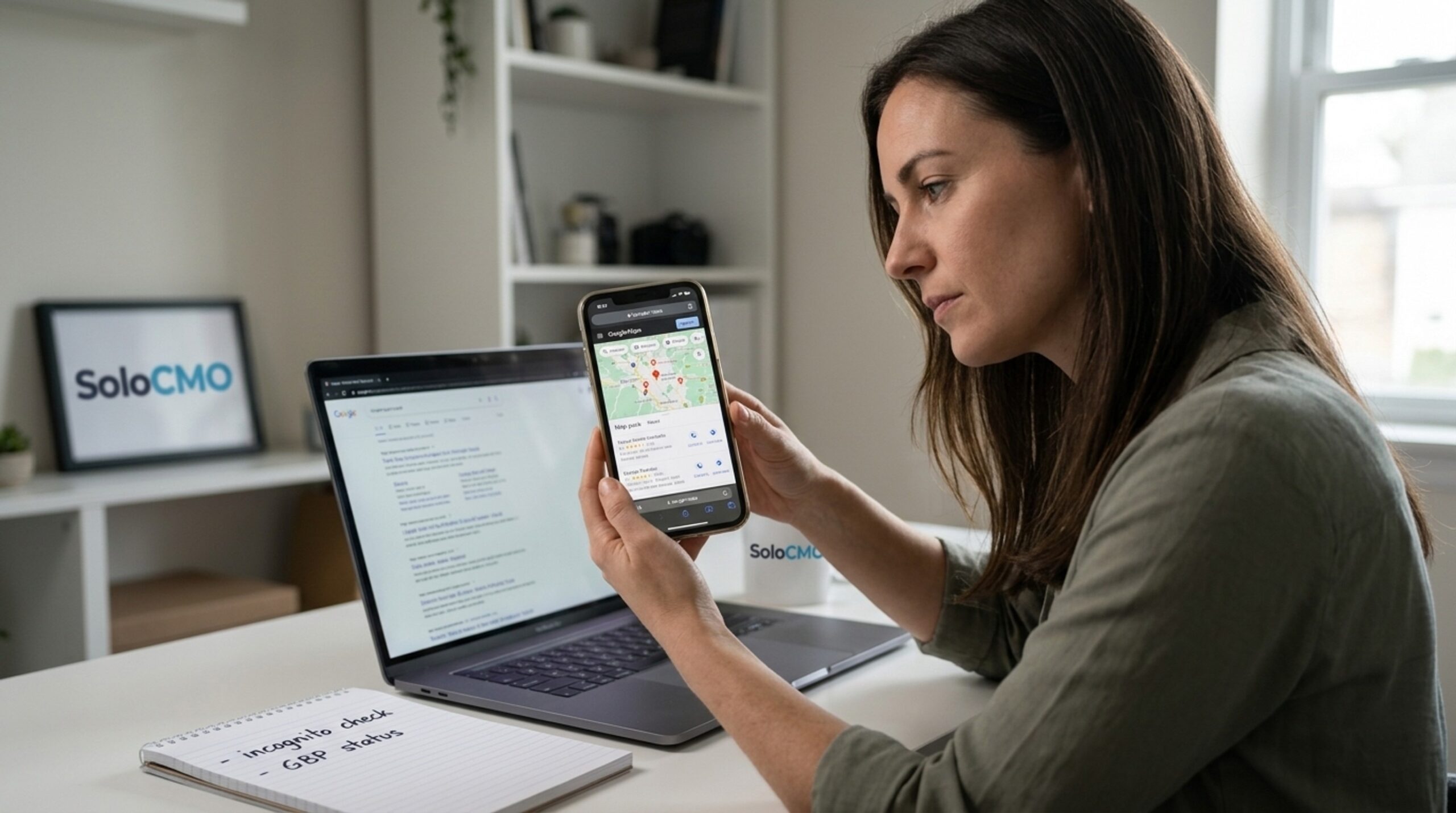
Open an incognito or logged-out browser window. Search the exact term again. Google Maps results shift based on your search history and saved places, so your own logged-in view can mislead you. Check from a second device, and if you can, from a phone on cellular data instead of office WiFi. Local results lean hard on location signals. Where you’re standing when you search actually changes what you see.
Look for a GBP Status Banner
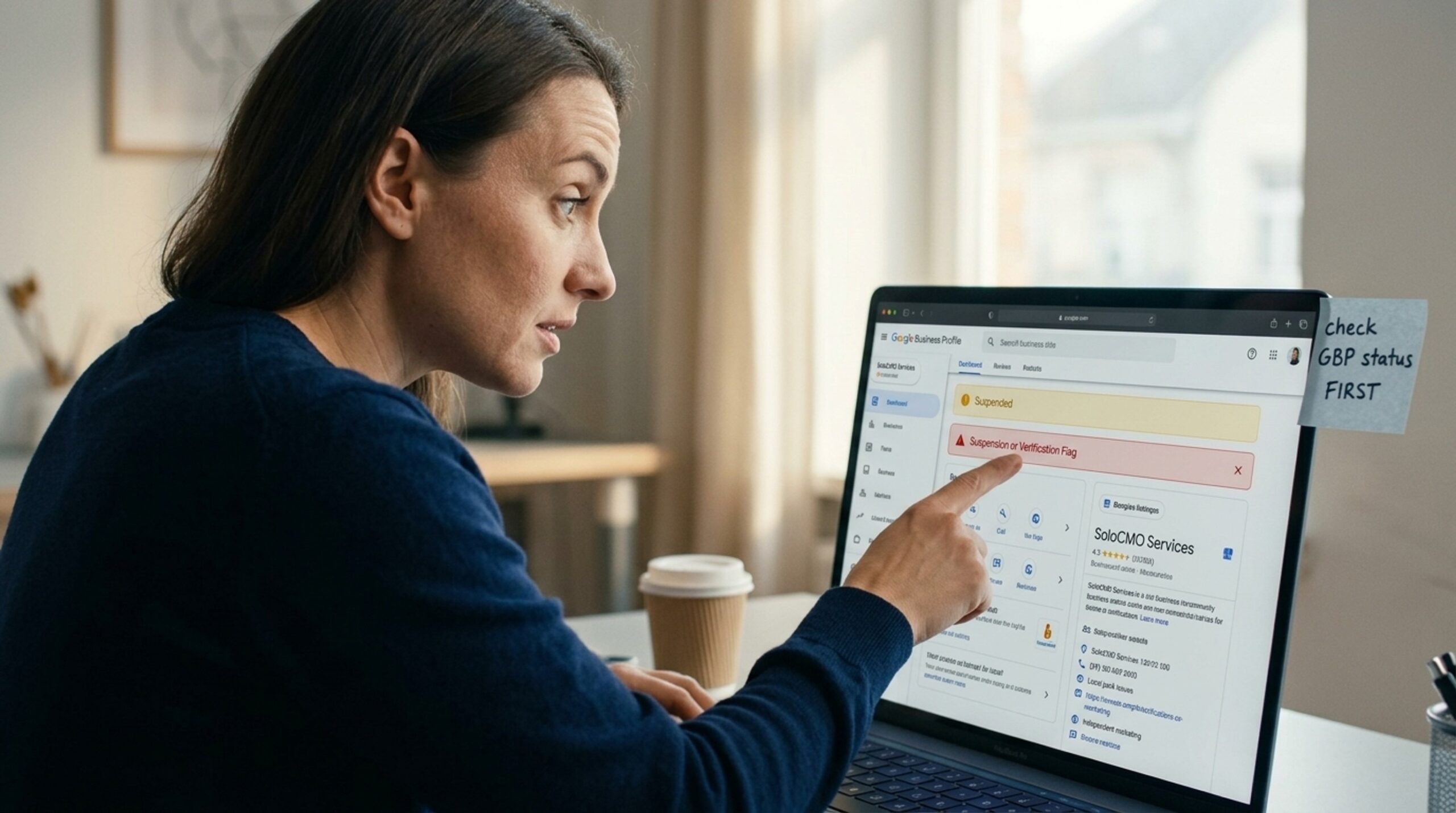
Log into your Google Business Profile dashboard. Look at the top of the screen. A warning, a suspension notice, or a request to reverify is your answer. Don’t skip this step just because rankings look fine elsewhere. A status flag here beats everything else on this list.
Rule Out Normal Ranking Volatility
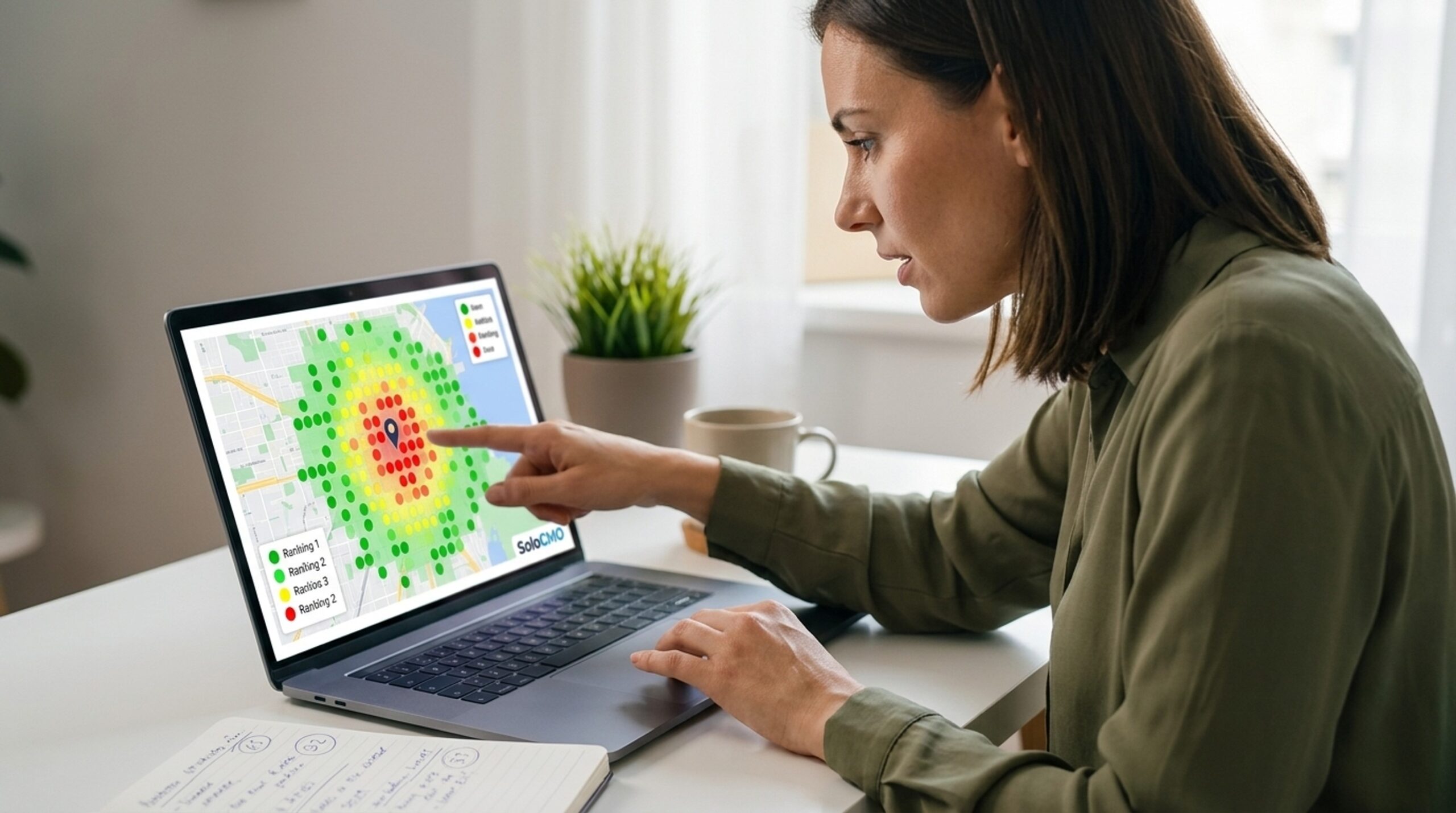
Local search is noisier than regular organic search. Google constantly tests placement, and a map pin can bounce a spot or two based on nothing more than real-time signal shifts. A single-point rank check can’t tell you if a sudden drop is a blip or a trend. That’s part of why geo-grid tools like BrightLocal’s Local Search Grid exist: they sample rankings across a whole service area instead of one snapshot. If your position looks different depending on exactly where you check, you’re probably looking at volatility, not a real problem. Either way, you’ve now got a clearer picture than you did five minutes ago, and that’s the point of this whole exercise.
Why Did My Google Business Profile Ranking Drop Suddenly? Check GBP Status First
If the sanity check didn’t explain things, your Google Business Profile itself is the next stop. It’s usually the fastest one to rule in or out.
Suspended, Disabled, or Unverified?
A suspended or disabled listing is the single most common cause of a sudden, severe ranking loss. It’s also the easiest to confirm. Google has leaned harder into automated enforcement in recent policy waves, which means legitimate businesses now get flagged more often than before, not just genuine spam accounts. Check whether your profile shows as active and verified. If Google has re-requested verification, your listing may effectively disappear from the map pack until that’s resolved.
Recent Edits to Category, Name, or Address
Think back over the last week or two. Did anyone change the primary category? Edit the business name? Update the address or hours? Any of these can trigger a review process that temporarily hides the listing while Google reassesses it. Even adding a keyword to a business name, something owners sometimes try to boost rankings, can flag the profile for manual review. That quietly causes a ranking problem instead of the boost they wanted. Check the edit history in your dashboard before assuming the cause is external.
Can a Google Algorithm Update Affect Only Local Rankings?
Yes. A broad core update or spam update can move local rankings even when Google’s own announcement doesn’t call it a “local” update. Local pack results still depend on relevance, prominence, and proximity. Any update that changes how Google evaluates content or spam signals can shift which businesses show up first for a given local search.
Cross-Reference Update Rollout Dates
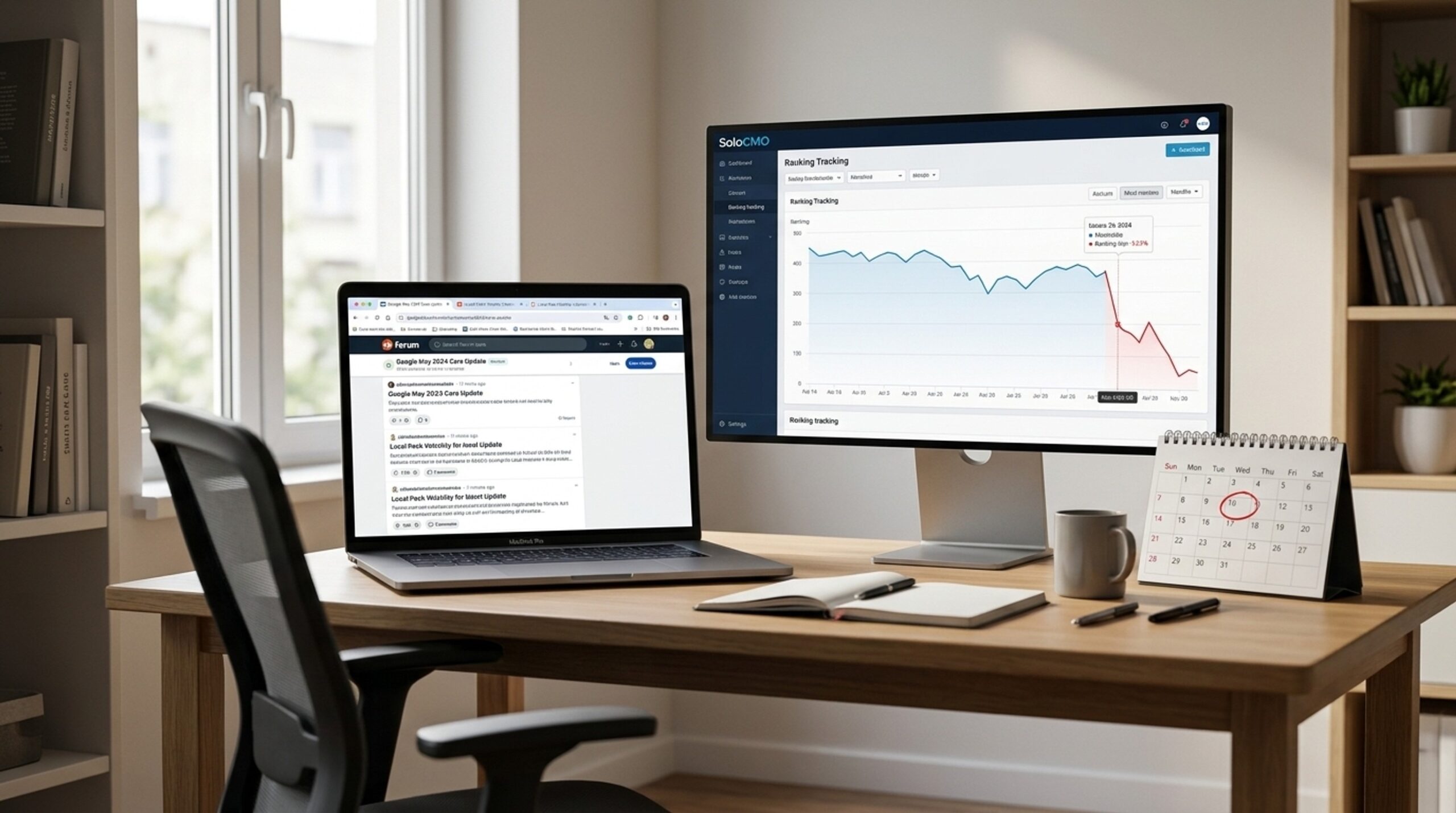
Check the date your rankings dropped against known core and spam update rollout windows. Google periodically confirms these updates publicly. Even when the stated scope is “search” broadly, the effects often ripple into local packs, since relevance and trust signals feed both systems.
Check Local SEO Community Chatter
Search a local search forum or a trusted SEO news source like Search Engine Land for chatter that matches your timeline. If a large local SEO community is reporting the same volatility across many unrelated businesses on the same days, you’re looking at an industry-wide event, not a problem specific to you. That difference matters. An isolated single-business drop points to something on your end, like your GBP or your site. A widespread, chatter-confirmed event points to Google, and it usually resolves without any action on your part. That’s a relief worth confirming rather than assuming.
NAP Consistency, Citations, and Review Signals: The Next Places to Look
If GBP status and algorithm timing don’t explain your drop, look at the data Google uses to trust your listing, and the signals customers create through reviews.
Audit NAP Across Directories and Citations
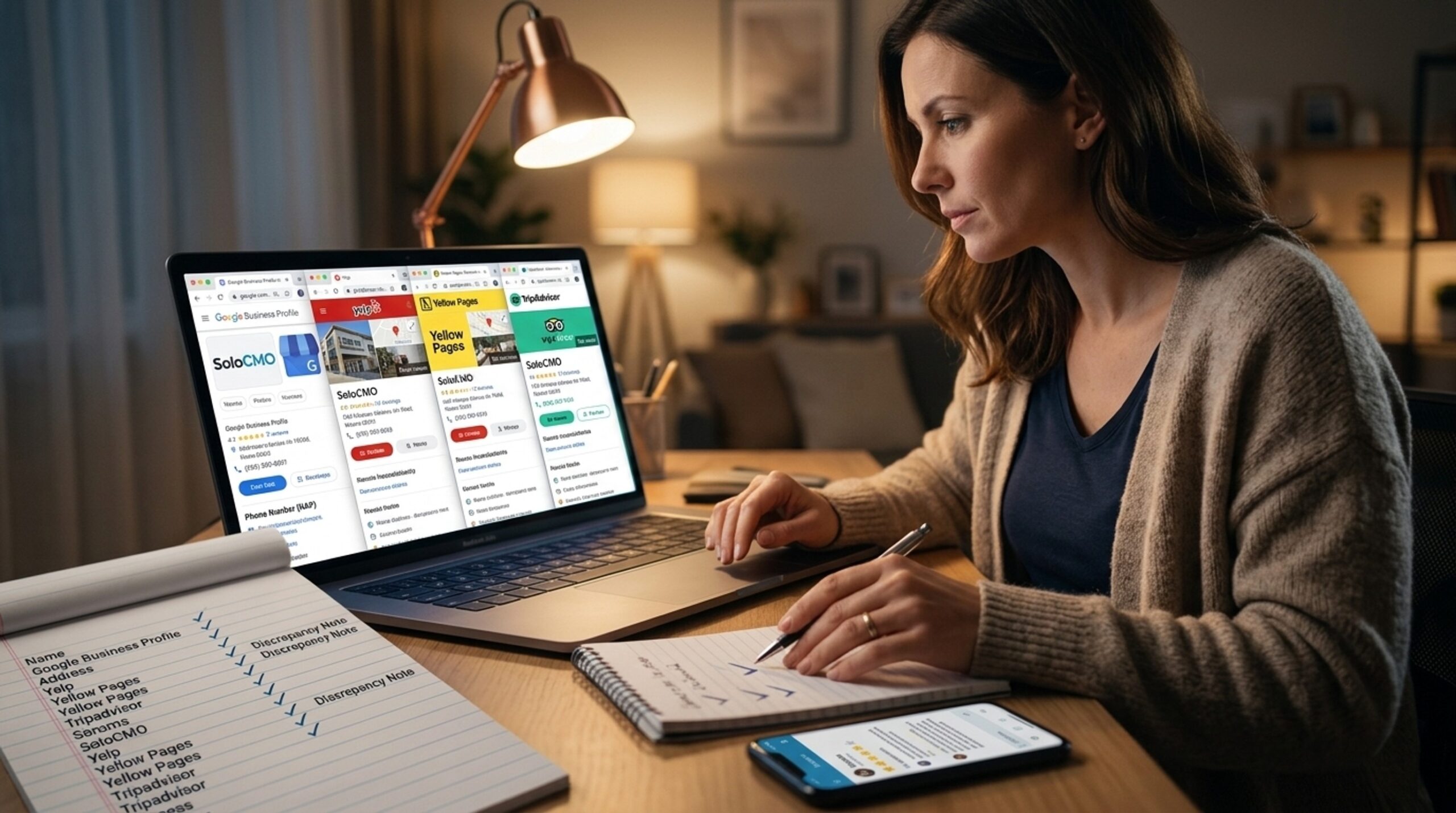
NAP consistency means your Name, Address, and Phone number need to match across every directory and citation source where your business appears. A mismatched suite number or an old phone number on one directory won’t usually tank rankings by itself. But a cluster of inconsistent listings adds up, and it can genuinely confuse Google’s confidence in your business information. While you’re at it, check whether your service area setting was recently changed. A narrowed service area can quietly cut off search visibility in areas you used to rank in.
Check for Review Velocity Drops or Spam Removal
Review count, recency, and sentiment are consistently named among the top local pack ranking factors in industry ranking-factor research. Check whether your review pace suddenly slowed. Check whether a batch of reviews vanished. Check whether negative reviews spiked in a short window. Google’s spam detection sometimes strips flagged reviews without any notice to the business, and that can look identical to losing rankings for no reason. If your review count dropped without warning, that’s very likely part of your answer.
Competitor Moves and Technical Site Issues: Ruling Out the Rest
If you’ve worked through GBP status, algorithm timing, citations, and reviews with no clear answer, it’s time to look outward at competitors and inward at your own technical setup.
Scan for New or Manipulative Competitor Listings
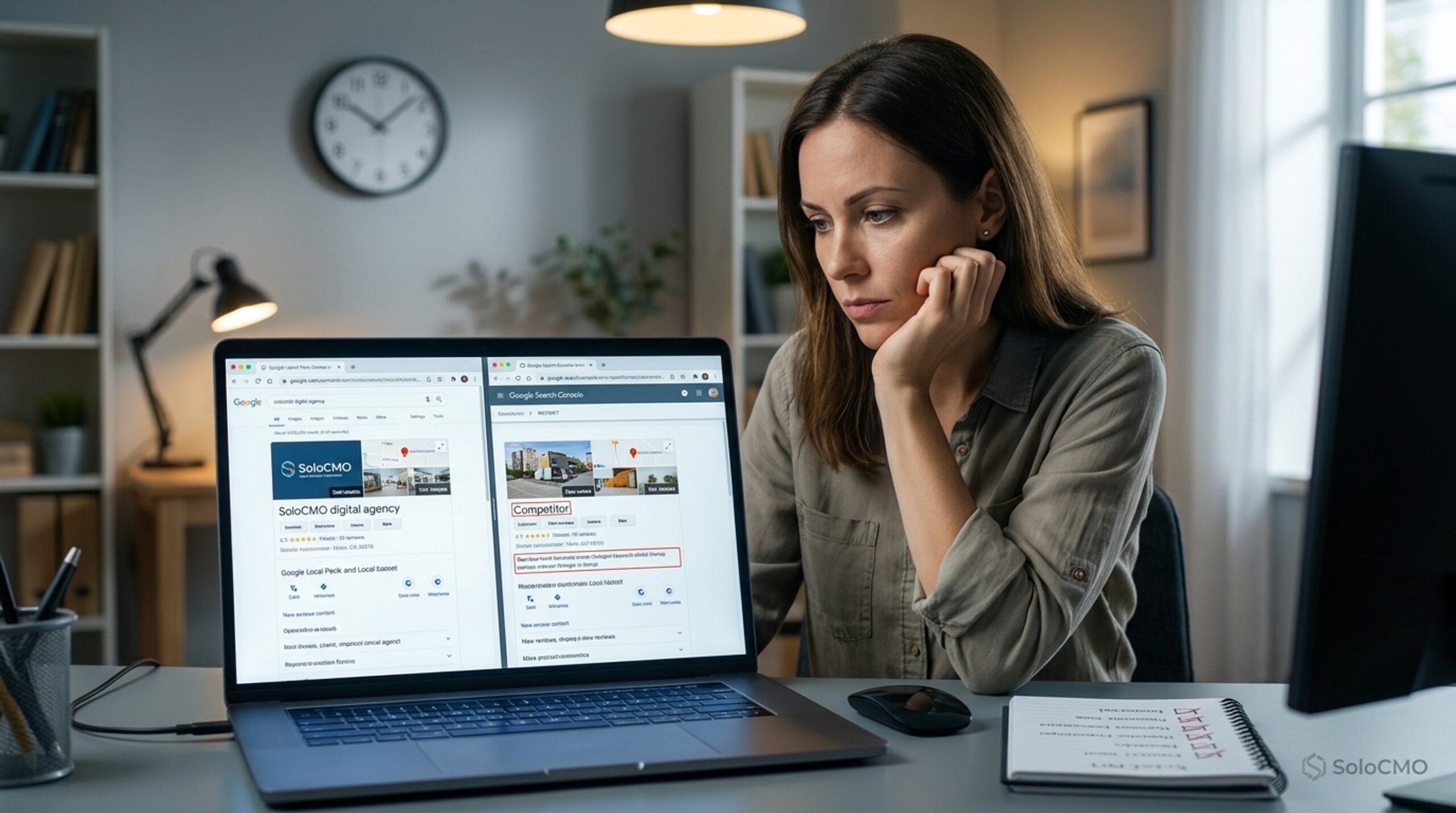
Run your target search again. Look closely at who’s now occupying the local map pack. Watch for keyword-stuffed business names, a known and frequently reported spam tactic that can cause temporary displacement while it works its way through Google’s reporting and removal process. Also scan for brand-new, suspiciously thin listings nearby that may not have existed a month ago. You can’t control a competitor’s tactics directly, but you can report clearly manipulative listing behavior and redirect your energy toward what you can fix.
Check Search Console and Schema Markup
Log into Google Search Console. Check for crawl errors, manual actions, or new mobile usability warnings that line up with your drop date. Confirm your Schema.org LocalBusiness markup is still valid. A broken update or a stray robots.txt change can quietly remove local relevance signals without any visible change on the site itself. Also confirm the site didn’t go down around the time rankings dropped. These technical issues are boring to check but easy to fix once found.
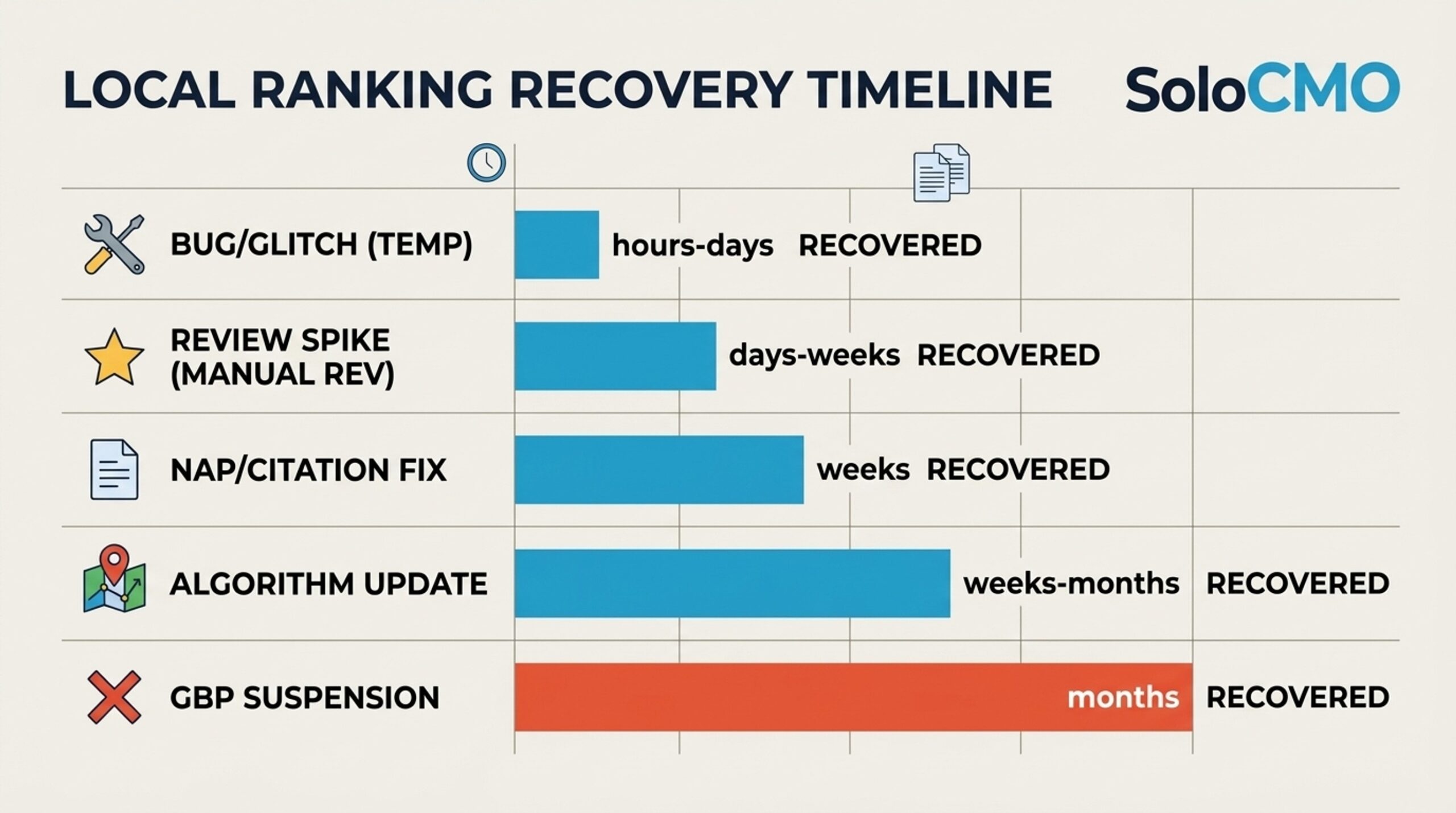
How Long Does It Take to Recover Local Pack Rankings After a Drop?
Recovery time depends entirely on the root cause. Being honest about that range will serve you better than chasing a fast fix that doesn’t exist for every situation.
Recovery Time by Root Cause
| Root Cause | Typical Recovery Time |
|---|---|
| Temporary fluctuation or Google testing | A few hours to 2-3 days |
| GBP suspension, once reinstated | 3-14 days after appeal approval |
| Algorithm update (core or spam) | 2-8 weeks, sometimes longer |
| NAP/citation inconsistency, once fixed | 2-6 weeks after correction |
| Review spike or removal | 1-4 weeks |
| Technical/schema fix | Days to 2 weeks after recrawl |
Ongoing Monitoring Checklist
Once you’ve found the cause and started fixing it, build a habit around watching for the next one:
- Track rankings weekly with a geo-grid tool to catch proximity-based shifts before they become a crisis
- Review the Google Business Profile Performance report monthly to spot traffic and query trend changes early
- Audit NAP consistency across citations every quarter
- Set alerts for new reviews and respond within 48 hours
- Check Search Console monthly for crawl errors or manual actions
A furniture retailer we worked with once saw their pack ranking drop after a well-meaning employee changed the primary category to sound more specific. The listing dropped out of the top three local results within a day. We traced the change back through the edit history and reverted the category. Rankings recovered within about a week, matching the NAP and edit-related recovery window shown above. The lesson stuck: check the edit history before assuming the worst.
If you want a deeper look at whether your visibility problems predate this specific drop, our guide on signs of poor local SEO rankings walks through the slower-moving warning signs worth watching for. And if you’re setting up ongoing geo-grid tracking, our piece on how to read a local SEO heatmap explains how to read that kind of report once you have one running. Both are worth a bookmark if this won’t be the last time you’re troubleshooting a ranking swing.
Conclusion
A sudden ranking drop feels alarming. But it’s almost always explainable within an hour once you work the checklist in order: GBP status, algorithm timing, citations, reviews, competitors, technical issues. That’s the whole point of a prioritized process instead of a scattered one.
Run the checklist now, starting with GBP status, and you’ll likely know your answer before this hour is out. But local SEO is one job among five or six you’re juggling, not a full-time role, and the next drop will come whether you’re ready for it or not. Building this kind of monitoring into your existing workload, instead of dropping everything to firefight every time rankings move, is what a system built for a team of one should do for you. If you’re curious what that could look like for your own workflow, it’s worth a quick look, no pressure to commit to anything. Get an estimate and see what fits.
FAQ
Why did my Google Business Profile ranking drop suddenly?
A sudden drop is most often caused by a suspension, a recent profile edit, or timing that lines up with a broader Google algorithm update. Work through the priority checklist above in order, starting with GBP status. That single check rules out or confirms the most common causes in under a minute.
How long does it take to recover Local Pack rankings after a drop?
Recovery time depends on the root cause. It can range from a few hours for normal fluctuation to two months or more for an algorithm update. Ongoing rank tracking shortens the guesswork period by showing you a trend instead of a single confusing snapshot.
Can a Google algorithm update affect only local rankings?
Google’s core and spam updates are rarely labeled as local-specific, but they still shift local pack rankings. That’s because relevance and trust signals feed both organic and local search results. Community-verified update tracking through local SEO forums and industry news is more reliable than assuming your own site caused the change.
What causes a Google Business Profile to get suspended or disabled?
Common triggers include policy violations, name or category edits that look manipulative, verification re-checks, and automated enforcement flags. Suspensions increasingly come from automated systems rather than manual review. This makes prevention harder to fully control on your own.
Does losing reviews or getting negative reviews hurt Local Pack rankings?
Review count, recency, and sentiment are established local ranking factors that directly affect local pack visibility. Watching review activity on a regular basis helps you catch a negative spike or a spam removal before it turns into a bigger surprise.
How do I know if a ranking drop is a bug versus a real penalty?
A bug tends to be short-lived and isolated. It often resolves within a day or two on its own. A real penalty is sustained and usually tied to a specific policy violation or manual action. If the drop lasts beyond a few days, it’s worth running the full GBP and NAP audit rather than waiting it out.
How do I know if my Google Business Profile is suspended vs just not ranking?
The status banner inside your GBP dashboard is the definitive signal, not your ranking position alone. Checking that banner takes under a minute and should always happen before you move on to any other diagnostic step.
Recent Posts
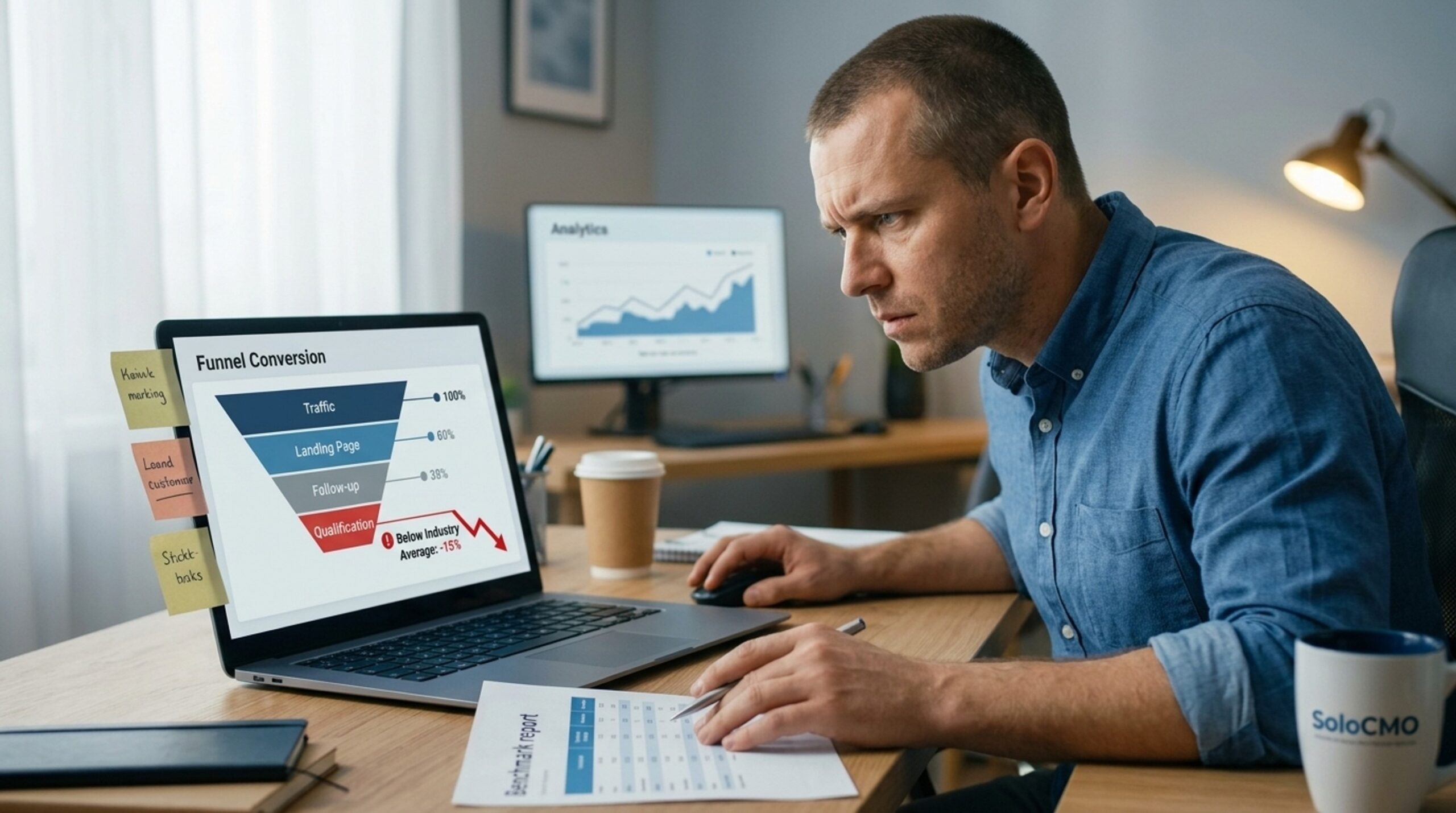
Why Is My Funnel Converting Below Industry Average?
A below-average funnel conversion rate almost always comes from one of five causes: mismatched traffic, a weak landing page or offer, poor follow-up, weak lead qualification, or the wrong benchmark. You don’t need a week of guessing to find the cause. A structured funnel diagnostic can find it in hours. If you’d rather hand the work off, that’s exactly what
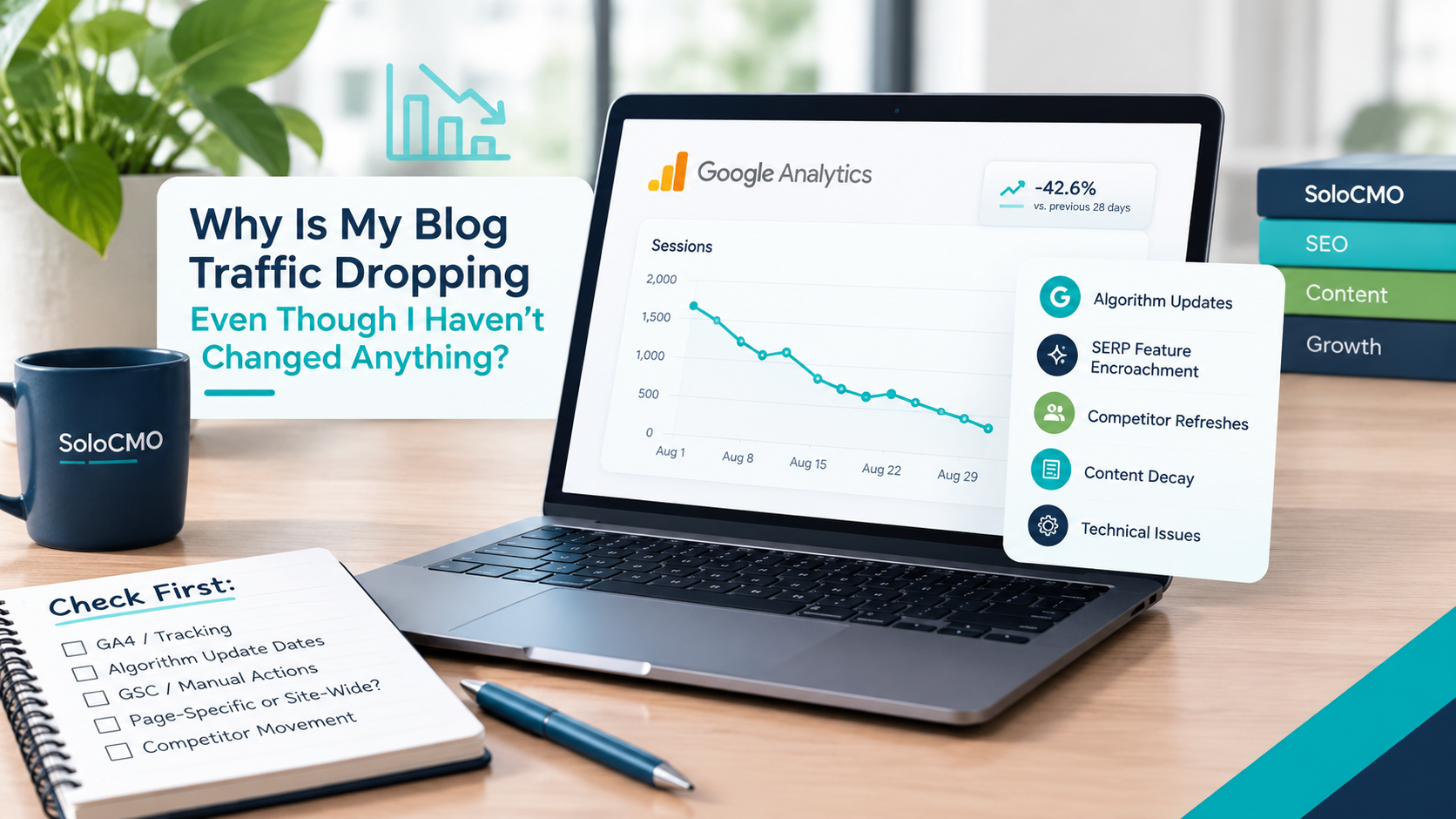
Why Is My Blog Traffic Dropping Even Though I Haven’t Changed Anything?
If you’re staring at a declining line in Google Analytics and mentally replaying every recent action looking for what you broke, stop. Blog traffic dropping for no reason is one of the most confusing problems a solo marketer can face. Here’s the short answer: it’s almost never something you did. Traffic drops without site changes are usually caused by algorithm
Local Pack Rankings Dropped Overnight: What to Check First
Okay, first thing: check your Google Business Profile status. When local pack rankings drop overnight, that’s the fastest and most common cause, and confirming it takes under two minutes. This isn’t a mystery that needs an agency or a week of guessing. It’s a known, ordered checklist, and you can run it yourself in the next hour. If your GBP
Get Smarter About Your Marketing
Practical SEO, AI, content, and marketing strategies you can put to work immediately.
Join the Newsletter