SEO
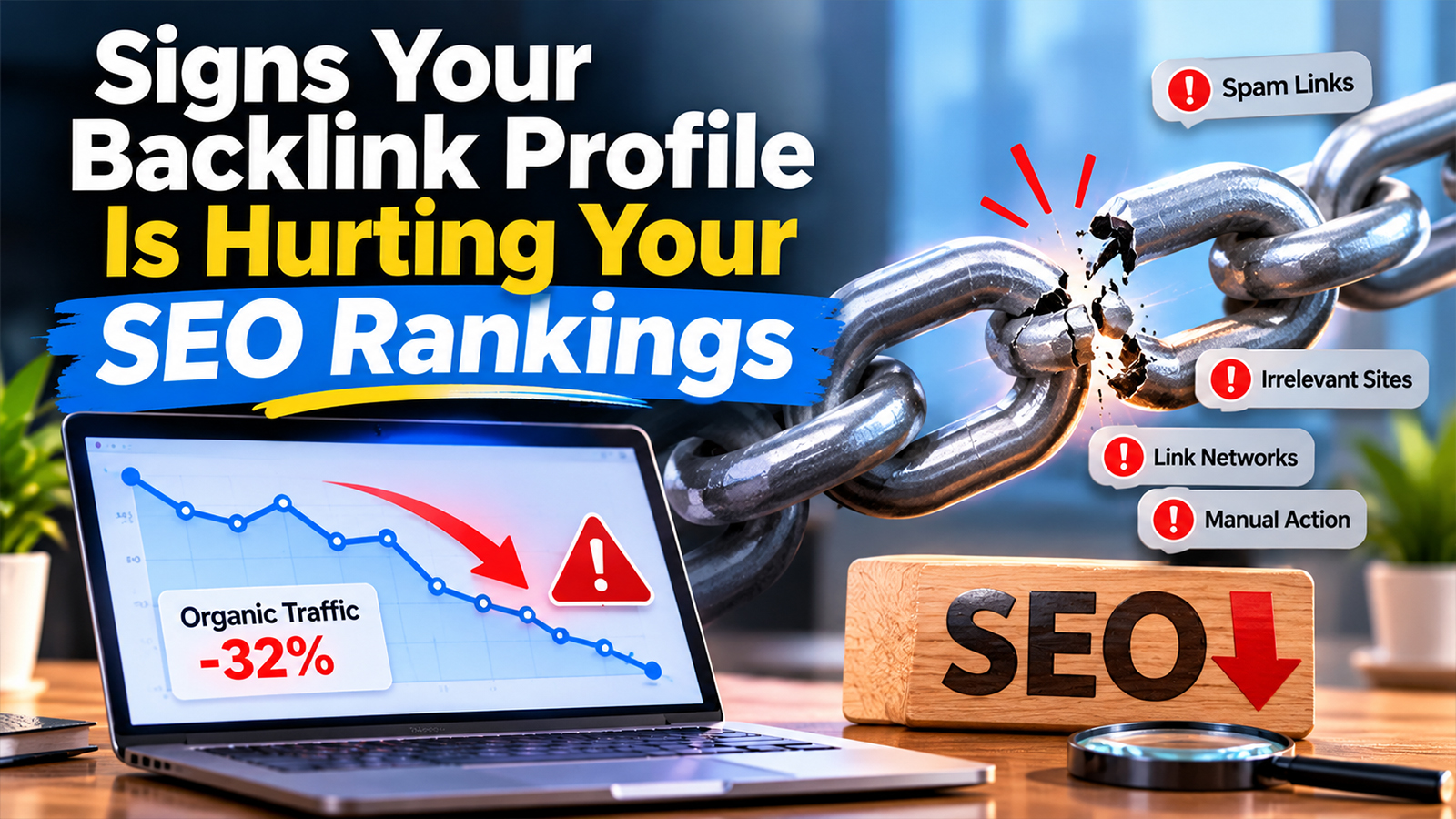
The clearest bad backlink profile signs are a Manual Action notice in Google Search Console, a ranking drop that matches a spam update, a sudden spike of low-quality referring domains, over-optimized anchors, links from irrelevant or spam-niche sites, link networks, and attack-style link floods. Once you know what’s wrong, a link planner helps you build clean links on purpose. Here is a 30-minute diagnostic built for one person, and it starts with Search Console and free tools, so you can check your link profile without paying for an audit.
Key Takeaways
- Backlinks are rarely the only cause of a drop, so rule out core updates, technical problems, and content decay first.
- Check the Manual Actions report in Search Console before anything else, because it is the only direct confirmation from Google.
- Never disavow based on a tool’s toxicity score alone, since Ahrefs found traffic fell after it disavowed tool-flagged links.
- Run the 30-minute audit once a quarter and log what you find in a simple spreadsheet.
Is It Really Your Backlinks? A Quick Triage Before You Panic
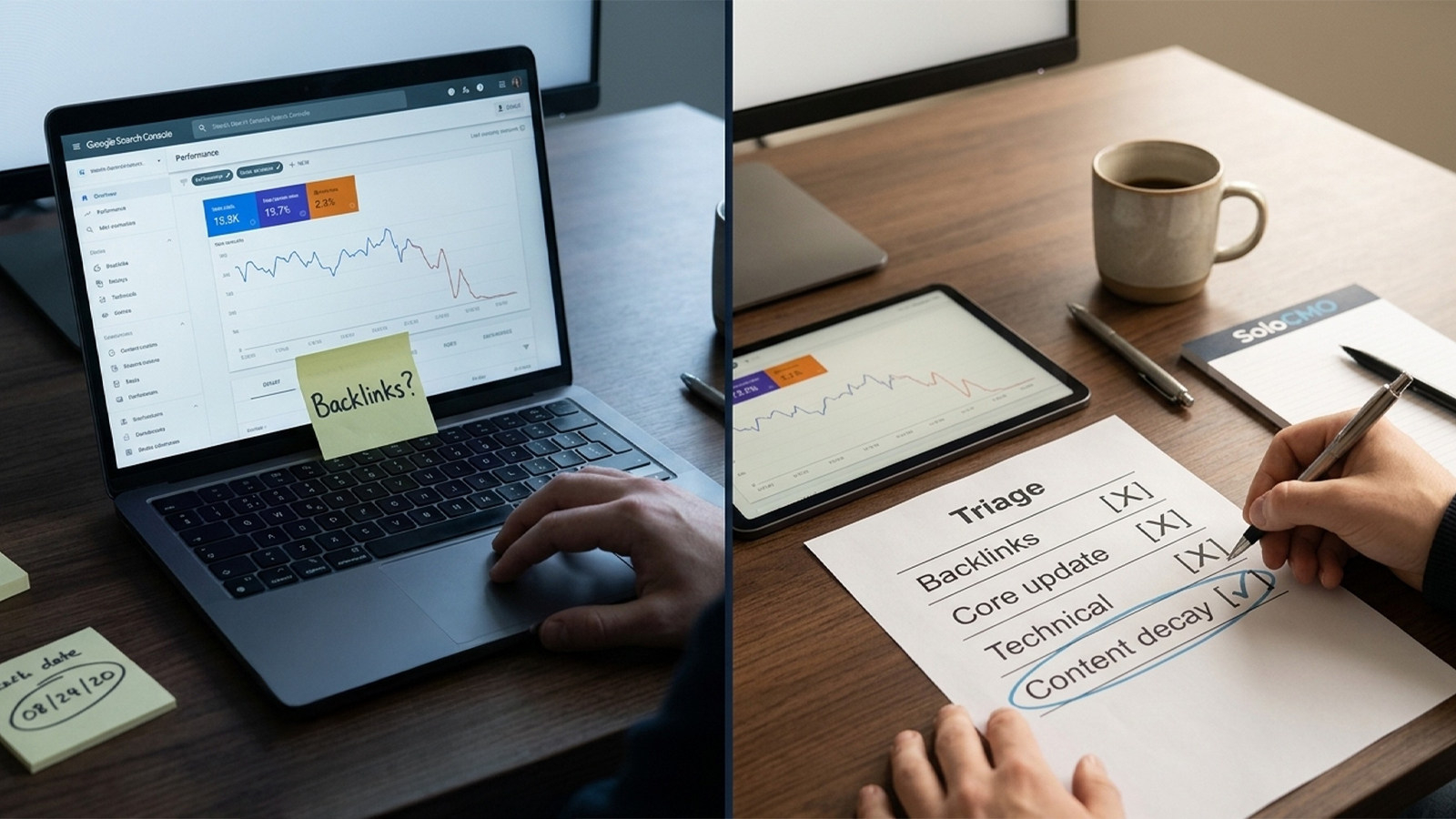
Most traffic drops are not caused by backlinks. Before you blame your link profile, spend ten minutes ruling out the three other usual suspects. A wrong diagnosis wastes more time than a slow one, and it can send you chasing a cleanup you never needed.
How to Tell a Link Problem From a Core Update, Technical Fault, or Content Decay
Open the Performance report in Search Console and note the exact date your clicks fell. Then compare that date against the table below. Pages that slid slowly point to a different problem than pages that vanished overnight.
| Cause | Distinguishing symptom | Where to check |
|---|---|---|
| Backlink issue | A Manual Action message, or a drop that matches a link spam rollout date | Search Console, Manual actions |
| Core update | Broad declines across many topics near an announced update date | Google Search Status Dashboard |
| Technical issue | Crawl errors, blocked pages, or lost indexing | Search Console, Pages report |
| Content decay | Gradual decline on older pages while competitors overtake you | Performance report, page by page |
If the table points somewhere other than links, you just saved yourself a cleanup. If it points to links, the next section tells you which signs matter most.
Can Bad External Links Hurt Your SEO Rankings?
Yes, bad backlinks can lower your search ranking, but mostly through manual actions and deliberate link schemes. Google’s SpamBrain system neutralizes most unnatural link credit, and Penguin has run in real time as part of core ranking since 2016. Random junk rarely hurts, while schemes do. A single bad link is almost never the culprit, and a pile of links from weak sites only becomes a concern when they form a pattern.
Google’s Search Essentials define link schemes in its Link Spam Policies. The sites at risk of a penalty are the ones that buy or trade links to rank higher. If your pages rank on merit and your social media profile links look normal, you are probably fine.

What Are the 9 Bad Backlink Profile Signs, Ranked by Severity?
Not every sign is an emergency, so each one below is rated Critical, Warning, or Watch to show you where to spend your first hour. For each you get what it looks like, where to verify it, and what to do.
Critical Signs: Act First
Sign 1 is a Manual Action for unnatural links. It shows up as a notice in Search Console under Security & Manual Actions, then Manual actions. Fix the links, then file a reconsideration request.
Sign 2 is a drop that lines up with a Link Spam Update or SpamBrain rollout. Overlay the drop date on your Performance report and check Google’s Search Status Dashboard. If the dates match, audit your links before touching anything else.
Warning Signs: Investigate This Week
Sign 3 is a sudden spike of referring domains. In Ahrefs Site Explorer, open Referring domains. In Semrush, use Backlink Audit. A pile of links arriving within days, mostly from thin sites, deserves a closer look.
Sign 4 is over-optimized anchor text. Healthy sites tend to show branded anchors around 30 to 50 percent, while exact-match keyword anchors above 20 percent look concerning. Sources disagree on exact thresholds, so treat these as practitioner rules of thumb, not Google rules. The real tell is duplicate anchor text repeated across many unrelated domains. Review your anchor texts in Search Console’s Links report.
Sign 5 is links from irrelevant, foreign-language, or adult, gambling, and pharma sites. Check the Links report in Search Console under Top linking sites. Relevance matters more than any score.
Sign 6 is link networks, PBNs, and paid-link footprints. Look for shared IP addresses, identical page templates, and sitewide footer or sidebar links. Majestic’s Trust Flow against Citation Flow can expose links with plenty of volume but little trust.
Watch Signs: Monitor Quarterly
Sign 7 is a high share of links from deindexed or zero-traffic domains. Run the linking list through Screaming Frog SEO Spider to confirm that each page still loads.
Sign 8 is stuck or sliding pages that earned links from directories, comment spam, or article-submission sites. Links like these rarely help, so stop building more.
Negative SEO Attack Patterns
Sign 9 is thousands of spammy links overnight, hacked-site injections, or scraped copies of your content linking back. Document it, watch it, and keep the quality of your own work high. Save screenshots and export dates now, because a clear record helps if you ever need to explain the spike to Google.
Which Signs Look Scary but Are Usually Harmless?
Overreacting is usually the costlier mistake. Every site collects junk, and Google ignores most of it. Panic cleanups often cause more harm than the junk itself. Even a page that shows too many links pointing to it from weak sites is usually just background noise unless it fits a scheme.
Why These Signs Are Usually Harmless
Several things look alarming but rarely matter on their own:
- A high Moz Spam Score alone, since it rates the linking domain, not your site
- Nofollow spam links, which pass no ranking credit
- Social media profile links from accounts you or others created
- Scraper sites copying your pages and adding external links back to you
- Normal long-tail junk that every site picks up over time
Moz’s Spam Score runs from 1 to 30 percent (low), 31 to 60 (medium), and 61 to 100 (high). Semrush calls a Toxicity Score above 10 percent High. Google has said it does not use these scores, so use them to find patterns and never treat them as verdicts.
How Do You Run a 30-Minute Backlink Audit as a Team of One?
You do not need a $5K audit or an enterprise seat for this. A digital marketing team of one can handle it with free tiers, and you will learn what your normal link pattern looks like along the way. Work through it in order:
- Export your links from the Search Console Links report (minutes 1 to 5).
- Cross-check the list in Ahrefs, Semrush, Moz, and Majestic free tiers (minutes 5 to 12).
- Flag domains by pattern: foreign language, spam niche, identical templates, exact-match anchors (minutes 12 to 18).
- Sample 25 domains by hand, loading each page and asking whether a real person would ever see it (minutes 18 to 27).
- Log domain, pattern, severity, and action in a spreadsheet (minutes 27 to 30).
Many bad links turn out to be nothing, which is a good result. If your sample of 25 looks clean, you can close the spreadsheet and get back to the work that moves your numbers. If it doesn’t, the decision table below tells you what to do next.
Should You Disavow, Remove, or Ignore a Bad Link, and How Long Does Recovery Take?
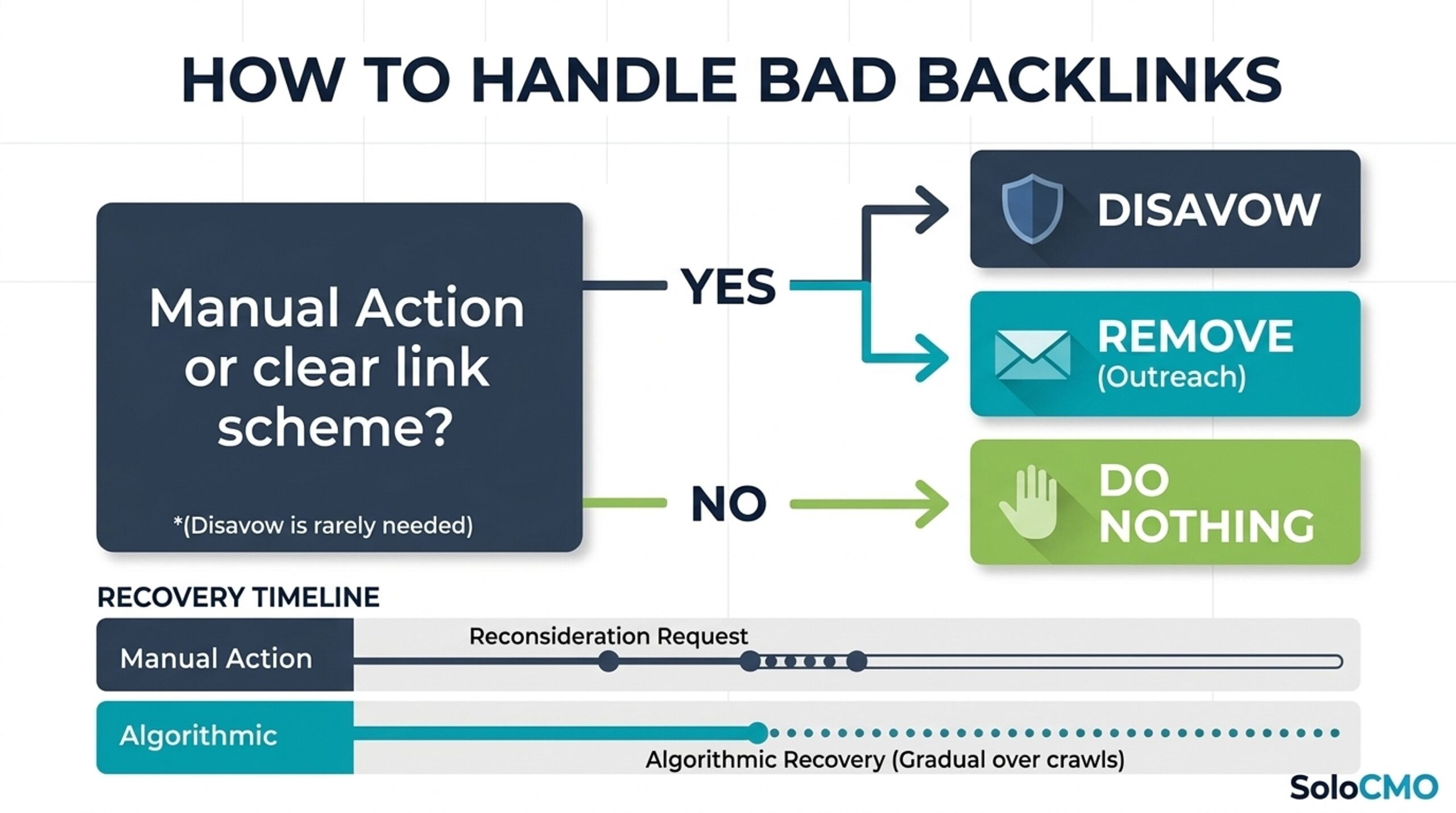
Google calls its Disavow Tool an advanced feature and says most sites do not need it. It is meant for a manual action or a clear paid or spam link scheme. Using it for anything else risks hurting yourself.
Should You Disavow, Remove, or Do Nothing?
Use this decision table after your audit. It keeps you reacting to evidence instead of scores.
| Situation | Action | Why |
|---|---|---|
| Manual action for unnatural links | Request removal, then disavow what stays, then file reconsideration | Google asks you to document your effort |
| You or an agency paid for links or used a PBN | Targeted disavow of those domains | A clear link scheme is the one case disavow fits |
| Spam wave you did not create | Monitor and ignore | Google is built to discount this |
| Drop right after a core update | Improve content, leave links alone | Core updates are not link penalties |
Ahrefs tested blind disavowing on three of its own posts. After it disavowed tool-flagged toxic links, traffic fell roughly 7 to 12 percent. Another example: a poster on r/SEO blamed a 61 percent traffic drop on 876 links that Semrush flagged as highly toxic. Blind disavow is the costliest of the backlink mistakes, and it can turn a content problem into two problems.
If you find toxic backlinks that do match a scheme, a disavow file is a plain .txt list using the domain: prefix. When the answer is do nothing, spend the saved hours on content that earns links the right way.
How Long Does Recovery Take, and How Do You Track It?
Google says a reconsideration request takes several days or weeks, and link-related cases take longer. Algorithmic recovery is gradual once Google reprocesses the links, with no promised date. Practitioners often cite 4 to 12 weeks, but that is an estimate, not a Google statement.
Track progress with the Performance and Links reports in Search Console. Add a monthly referring-domain count from Ahrefs or Semrush, and annotate your spreadsheet with each change you make. A simple before-and-after line in that sheet also gives you something concrete to show a boss who asks what happened.
Conclusion
The order matters. Triage first, check Search Console Manual Actions next, look for patterns, and then use the decision table. Most of the time, the answer is to disavow nothing and keep going, and “toxic” turns out to be a much smaller word than the tools make it sound.
The hours you save are better spent on marketing work like content, social media, and email campaigns that earn clean links. If the audit or a cleanup would eat time you need for that work, you can get an estimate and see what a clean link plan could look like for your site. Learn what your normal link pattern looks like first, then decide what is worth your time.
FAQ: Bad Backlink Profile Questions Answered
How do I know if I have bad backlinks?
You have bad backlinks if you see a Manual Action notice, a referring-domain spike, skewed anchor text, or links from spam-niche sites. Check Search Console first, then sample linking pages by hand. Confirming a pattern across hundreds of domains is where an expert review saves real time, and many people find a second pair of eyes catches what tools miss.
Can bad backlinks hurt your SEO rankings?
Bad backlinks can hurt your rankings, mostly through manual actions and deliberate link schemes. Google neutralizes most spam on its own, so background noise rarely matters. Telling a real scheme from noise is tricky, and a professional second look can keep people from acting on the wrong signal.
How do I check for toxic backlinks in Google Search Console?
Open the Manual Actions report to check for penalties, then the Links report to see top linking sites and anchor text. Search Console shows data, not a toxicity verdict, so interpretation is the hard part. An estimate-based review can speed up that judgment.
Should I disavow spammy links?
You should disavow spammy backlinks only with a manual action or a clear paid or spam link scheme. Google calls the tool advanced and rarely needed. A wrong disavow can cost traffic, so an expert check before submitting a file is cheap insurance.
What is a toxic backlink score and is it reliable?
A toxic backlink score is a tool-specific estimate, such as the Semrush Toxicity Score or Moz Spam Score, built from patterns across many sites. It is not Google’s view, and Google does not use it. A professional can weigh tool signals against real evidence for you.
How long does it take to recover from a bad backlink profile?
Recovery from a bad backlink profile takes several days to weeks after a manual action request, and longer for link cases. Algorithmic recovery is gradual after reprocessing. Clear documentation of your cleanup effort tends to speed reconsideration, and experienced help can make that documentation stronger.
Recent Posts
Content Refresh vs Rewrite: Which Fixes Decaying Blog Posts Faster
A content refresh ships faster, usually in 1 to 3 hours versus 4 to 8 for a rewrite, but a rewrite recovers faster when the decay stems from a search intent mismatch. The rule of thumb is to refresh the post if it still matches what searchers want and most of it is salvageable, and to rewrite it if the

How to Build a Topic Cluster From Scratch for Your SaaS Blog
To build a topic cluster, pick a pillar topic that fits your product, collect subtopic keywords, group them by SERP overlap and intent, size the cluster, link every page to the pillar, publish in stages, then measure at cluster level. That is how to build a topic cluster in a way you can defend to a founder, and our topical authority
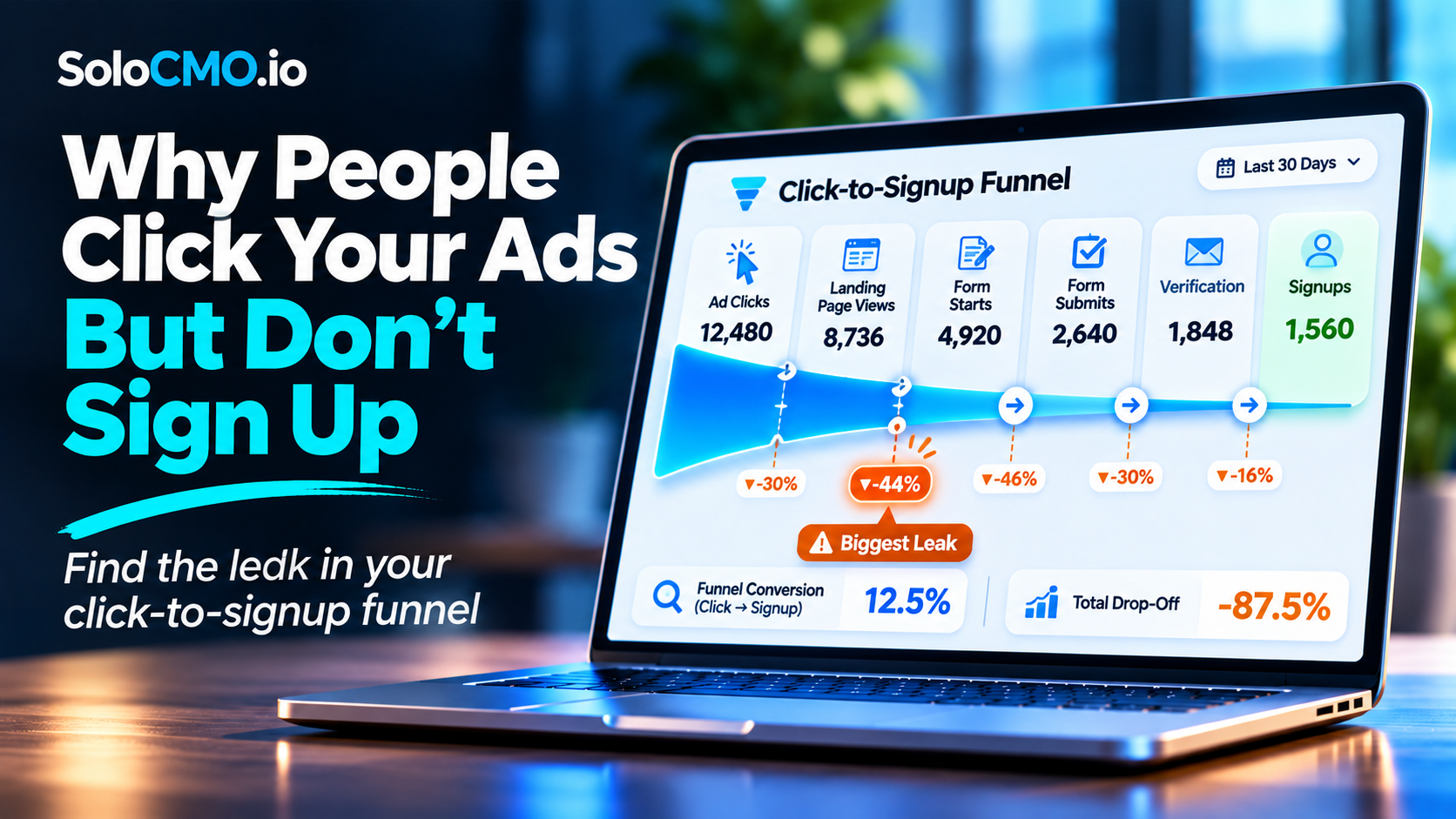
Where Leads Drop Off Between Ad Click and Signup
Funnel drop off between click and signup occurs at six points: the ad click, page load, above the fold, form start, form submit, and verification. The most significant leaks usually sit upstream, where the ad promise fails to match the page or where the page loads too slowly on mobile before the form ever appears. If your paid ad campaigns show
Get Smarter About Your Marketing
Practical SEO, AI, content, and marketing strategies you can put to work immediately.
Join the Newsletter