Local SEO
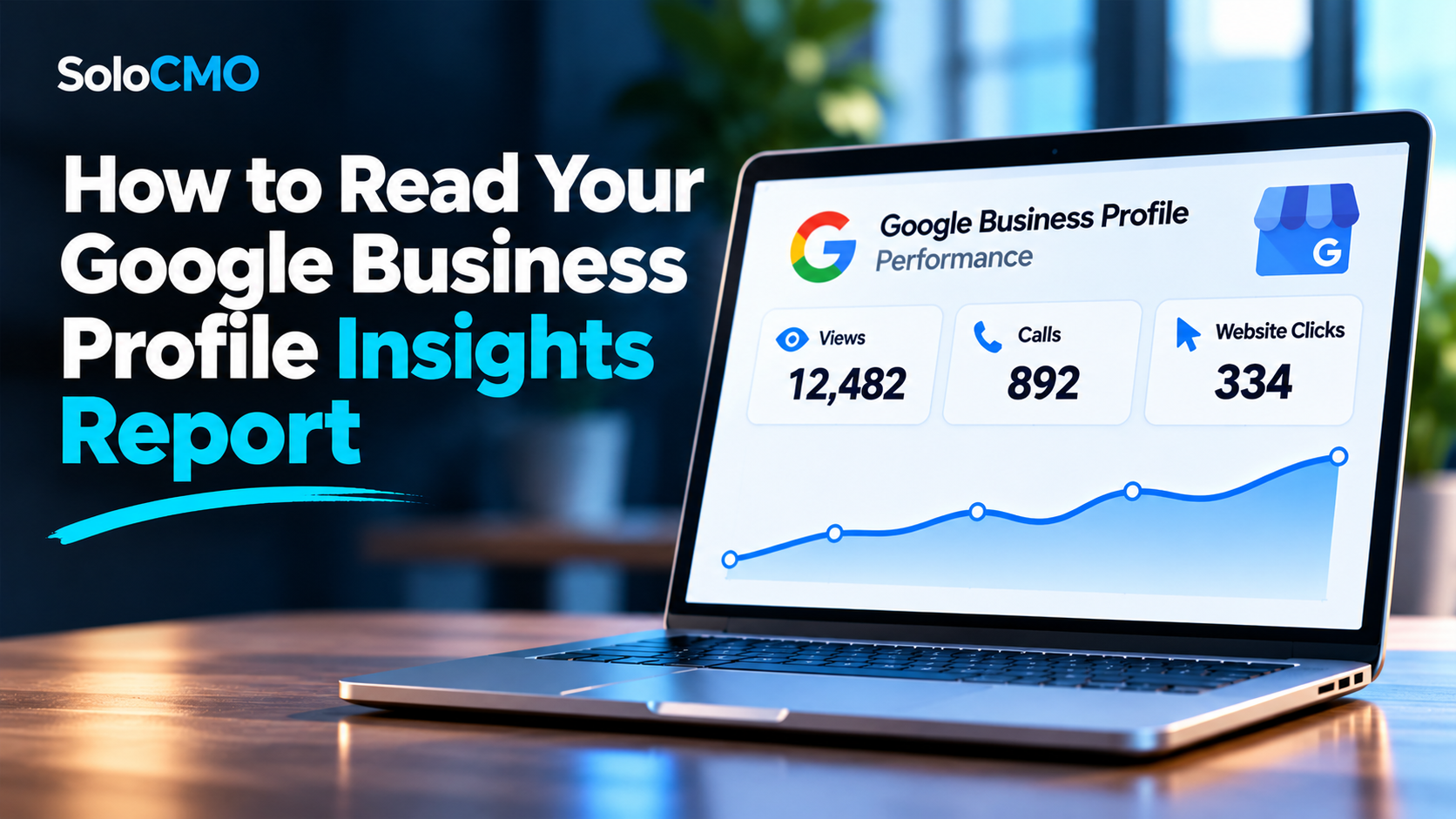
To read your google business profile insights, sort every metric into three groups: how people found you (views from Search and Maps), what they did (calls, directions, website clicks, messages, bookings), and how you perform over time (trends and search terms). If you manage local SEO for several clients, this report shows each business’s online performance in one place, and it works the same way across google business profiles of any size.
Key Takeaways
- GBP insights are performance data points that measure separate steps between a search and a customer action. Google renamed the old Insights tab to Performance and retired several legacy metrics.
- Interactions (calls, directions, website clicks, messages, bookings) say more about demand than views do.
- Interactions refresh quickly, while views and search terms update monthly with a short delay.
- Close the gaps with UTM-tagged links and call tracking, because the dashboard alone cannot prove leads.
What Are Google Business Profile Insights?
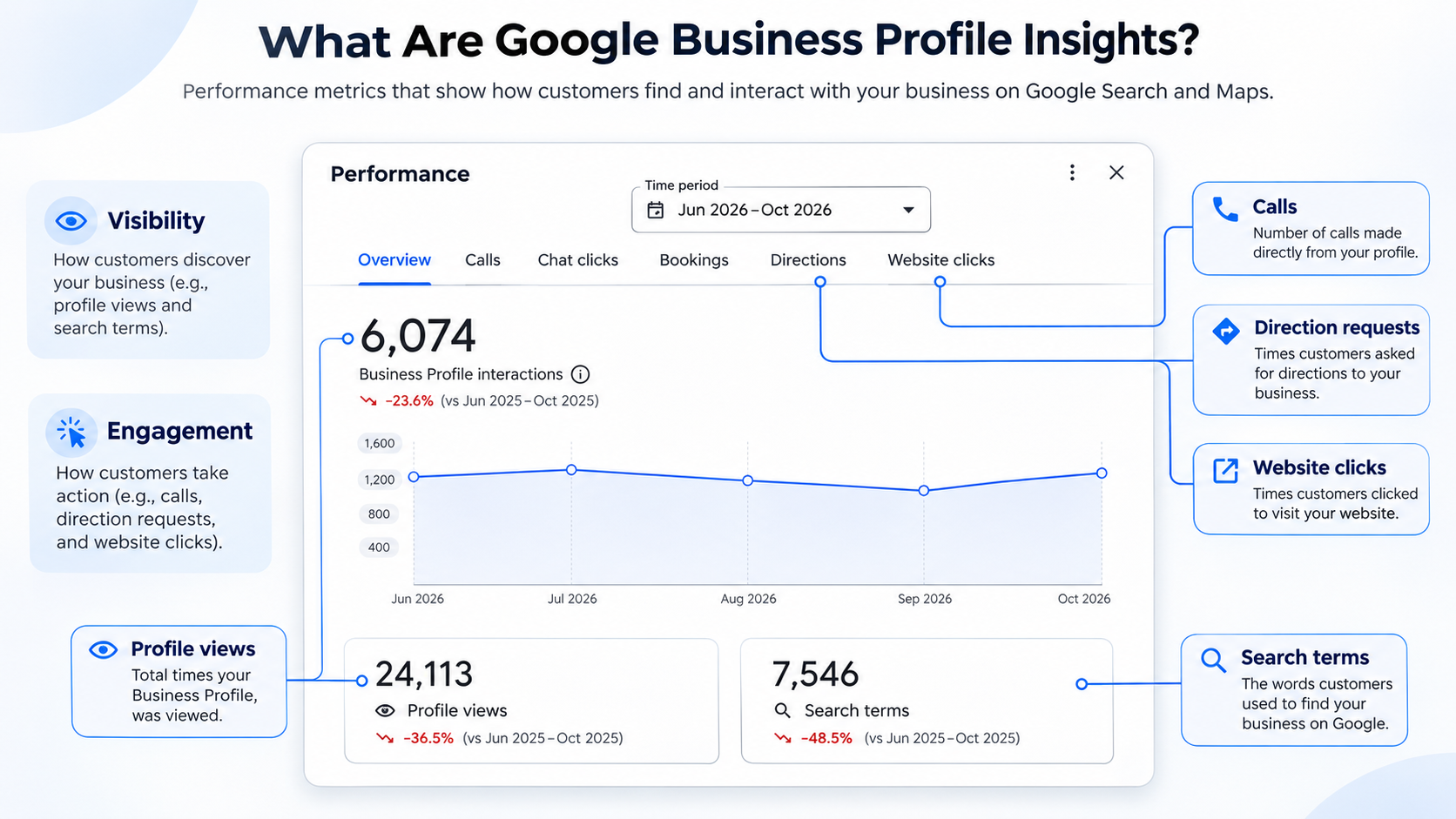
Google Business Profile Insights are performance metrics that show how customers find and interact with a business on Google Search and Maps. Google displays these metrics in the Business Profile Performance dashboard, including profile views, search terms, calls, direction requests, and website clicks. These insights measure visibility and engagement, not confirmed leads or sales.
Where Do I Find Google Business Profile Insights and What Does Each Metric Mean?
Finding data starts with signing in to the right account. Older tutorials will mislead you, because the screens they show no longer exist. Google calls the current view Performance, and the former Insights tab is gone. Plenty of people still search for “google insights” expecting the old tab, but the Performance view now holds the same kind of data. If you are mid-audit for a new client right now, the steps below should get you to the numbers in under a minute.
Where do I find GBP Insights in 2026?
Sign in to the Google Account that manages the profile. Then search the business name on Google Search or Google Maps to open the profile controls, or go straight to Google Business Profile Manager. Either route works. Click Performance. If you use Google Analytics 4, the Business Profile link under Admin product links can pull some of this data into GA4 as well. One catch: the dashboard shows only about six months of history, so export early.
What do views and interactions mean in Google Business Profile Insights?
Views measure exposure, meaning how often your business listing appeared in Google Search or Google Maps. Interactions measure action, meaning what someone did next. Google counts each against a unique user within 24 hours, so profile views are not raw impressions. Calls are button taps, not confirmed connected calls. Direction requests are adjusted for duplicates and spam.
Think of the metrics as a funnel. Views show local visibility, and interactions show intent. Together they give you the clearest read on your business’s online performance, because each step shows where people drop off. Search views come from standard results, while Maps views come from the map surface, usually from someone already nearby.
The table below is a quick reference you can keep open while you work through a client’s dashboard.
| Metric | What it measures | What it does NOT tell you | When to act |
|---|---|---|---|
| Profile views (Search vs Maps, mobile vs desktop) | Unique users who saw the profile, by surface and device | Whether anyone visited or bought | Act when one surface falls while the other holds |
| Search terms | Queries that showed the profile, counted per unique user monthly | Rank position or exact volume below 15 | Act when core services are missing from the list |
| Calls | Taps on the call button | Whether the call connected or became a job | Act when call history shows missed time windows |
| Direction requests | Taps on directions | Whether the person arrived | Act when requests fall while views hold |
| Website clicks | Taps on the website link | Sessions or conversions | Act when GA4 shows far fewer sessions than clicks |
| Messages and bookings | Chat starts and booking actions where enabled | Replies sent or revenue | Act when response time slips |
| Food orders and menu clicks | Ordering and menu actions where relevant | Order value | Act when menu links are broken |
Why Did My Google Business Profile Views Drop and How Do I Interpret Trends and Search Terms?
Before you panic about a drop, check the calendar and compare like periods. Month over month shows the effect of recent changes, while year over year strips out seasonality. Adjust for business hours and seasonal demand too, since a landscaper’s winter profile views will never match its spring numbers.
Why did my Google Business Profile views drop suddenly?
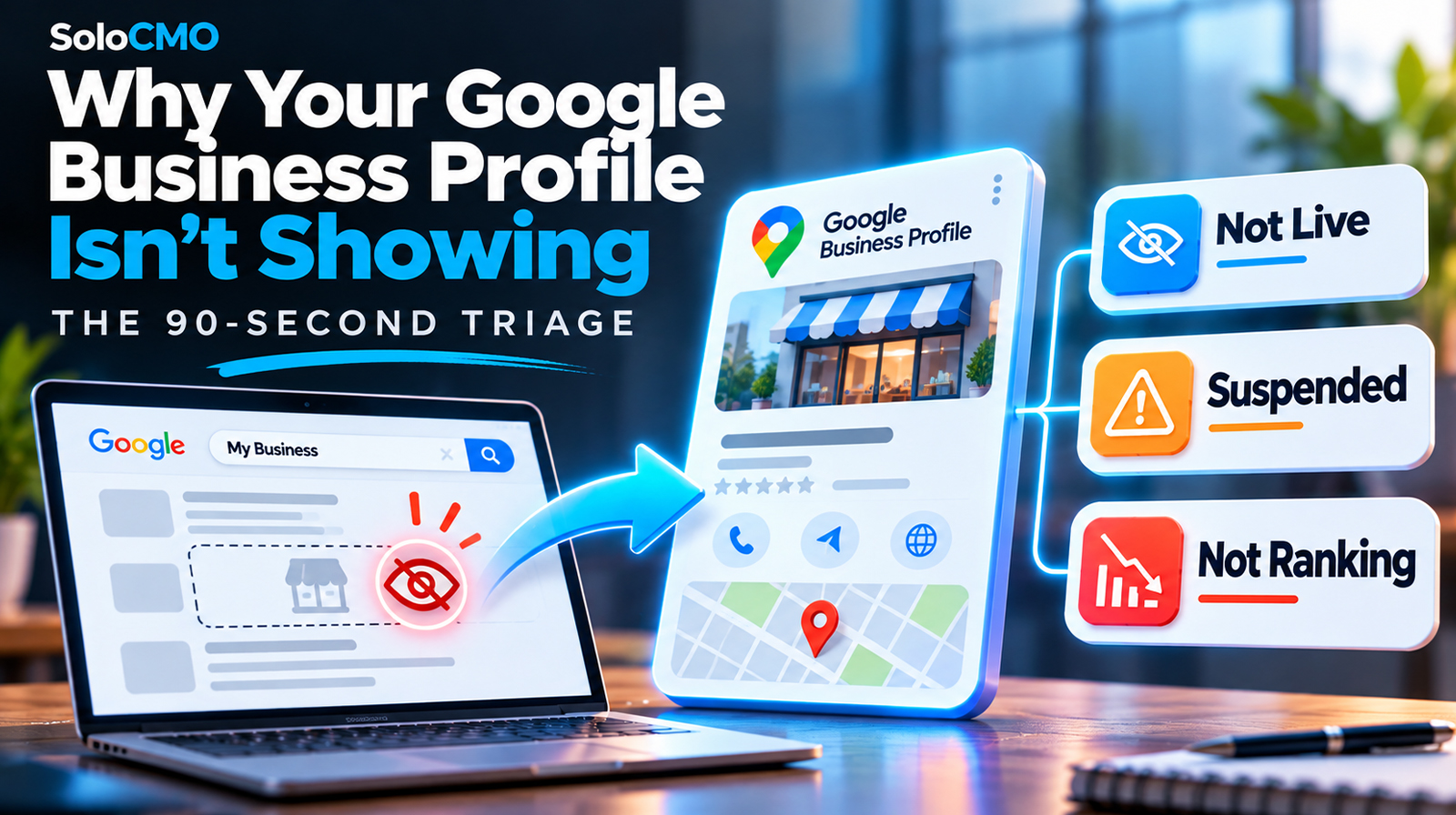
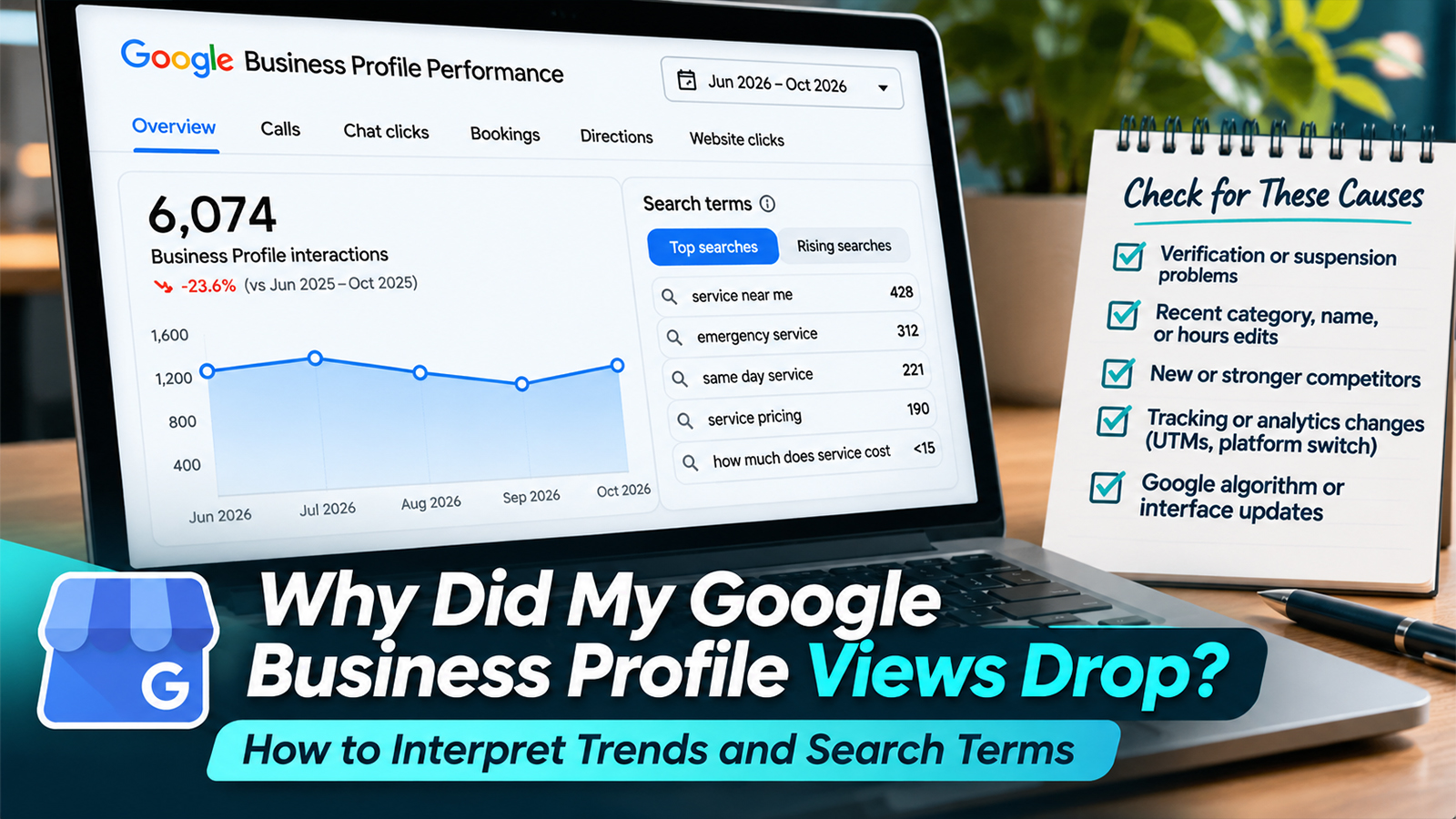
Timing causes many false alarms. Interactions update quickly, but views and search terms refresh monthly, with up to a five-day delay. Mix the two at month-end and you can see a collapse that is really just lag. If the drop holds up, work through this checklist:
- Verification or suspension problems on the profile
- Category, name, or hours edits made recently
- New or improved competitors in the same area
- Tracking changes, such as new UTM parameters or a switch in analytics setup
- Google algorithm or interface updates, including past counting changes and platform-side data outages, which Spilt Media reported resolving within days
Rule these out in order, and you can tell a client whether the drop is real or a measurement artifact. A short note in your report explaining which cause you ruled out also builds trust, because clients see that you investigated rather than guessed.
What do search terms reveal about customer demand?
Search terms sort into branded queries, from people who already know the business, and discovery queries, from people hunting for a service. Discovery terms show where visibility is growing, and they are valuable data that can help you understand customer behavior before anyone ever clicks. Terms under 15 users appear as “<15,” so the list will always look incomplete.
Treat repeated themes as an action list. A cluster around “emergency” suggests a new post and a service entry. Questions about pricing point to a Q&A update. If core services are missing from the list, you likely have a category or product gap. Pairing this list with a regular review of your customer reviews can also reveal which services people already praise and ask about.
How Do You Turn GBP Insights Into a Client-Ready Monthly Report?
Strong reporting starts with honesty about limits. Views are not visits, and interactions are not leads. The dashboard also has no per-keyword rank data and no competitor benchmarking, so other tools have to fill those gaps.
Why don’t GBP numbers match GA4 or Search Console?
GBP counts taps inside Google, while GA4 counts sessions that actually load your site. Gaps of roughly 10 to 30 percent are common. Close the gap by tagging the website link on each profile, for example utm_source=google, utm_medium=organic, utm_campaign=gbp, all lowercase. Use CallRail to follow calls through to real outcomes. Add BrightLocal, Local Falcon, or SoloCMO for rank grids, and check Google Search Console for site-side queries. If a client questions a mismatch, explaining this tap-versus-session difference usually settles it in one sentence.
What goes into a repeatable monthly client update?
Keep one template across clients, built from four parts: core profile metrics tied to each client’s goals, a log of changes you made, benchmarks against the prior month and year, and next-30-day actions. Pair GBP performance with other business metrics, such as leads and revenue, so clients see how profile activity connects to results. For many profiles at once, the Business Profile Performance API can feed Looker Studio with one row per location, though access is gated and data lags four to five days. For small portfolios, a manual monthly export is the sensible fallback.
How can a solo consultant cut reporting time?
Solo operators can shorten this work further. AI-assisted workflows can draft the summary and recommendations from each client’s exported numbers, so your time goes to judgment rather than formatting. A team-of-one marketing tool like SoloCMO is built around that idea, with no seat-based or collaboration features you would never use, but any consistent template saves hours. If you want to see how that fits a multi-client routine, the local SEO overview shows how the pieces connect.
How Does SoloCMO Help Me With My GBP Profile and Insights?
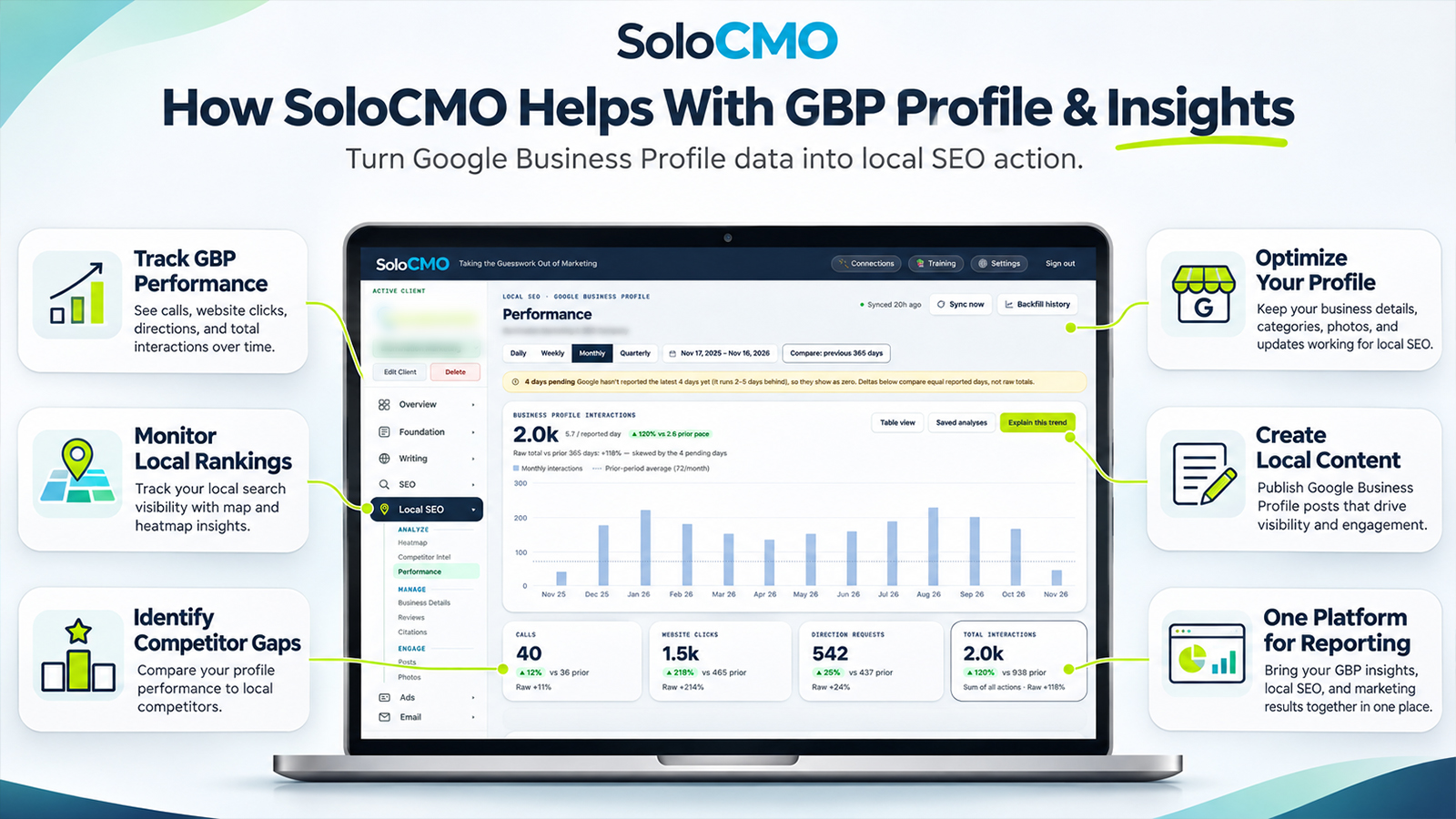
SoloCMO helps business owners and solo marketers manage their Google Business Profiles, monitor local search visibility, and turn performance insights into actionable SEO improvements. Instead of reviewing Google Business Profile metrics in isolation, SoloCMO connects local ranking data with the marketing activities that influence visibility and customer engagement.
With SoloCMO, you can track local keyword rankings, identify geographic areas where competitors outperform your business, manage Google Business Profile optimization, and create locally relevant content to strengthen your search presence. These capabilities help you move beyond simply reviewing profile views, calls, and direction requests to understanding where your local SEO strategy needs attention.
For consultants managing multiple businesses, SoloCMO also brings local SEO execution and reporting into one platform. This reduces the time spent switching between tools and makes it easier to identify performance gaps, prioritize improvements, and demonstrate the value of ongoing local SEO work.
Conclusion
Reading the report comes down to three questions: how people found you, what they did, and how that changed over time. Lean on interactions over views. Respect the different update cadences. Use UTMs, call tracking, and rank grids to prove what the dashboard cannot. Export a baseline of your Performance data today, since only about six months stays on screen, then tag every profile website link and set up call tracking. Build one monthly template this week and annotate each change you make. If managing several client profiles is eating your hours, our local SEO resource covers the wider program these numbers feed.
FAQ
Where do I find Google Business Profile Insights in 2026?
Google Business Profile Insights now live under the Performance view. Search the business name on Google Search or Google Maps while signed in, or open Business Profile Manager, then click Performance. Across many client profiles, a consistent access routine saves real time.
What do views and interactions mean in Google Business Profile Insights?
Views measure how many unique users saw the business profile, while interactions measure what they did next, such as calling or requesting directions. Views show reach, and interactions show intent. Choosing which to lead with in a client update takes judgment.
What is the difference between Maps and Search impressions in Google Business Profile?
Maps impressions come from people viewing the profile on the Google Maps surface, while Search impressions come from standard Google results. Maps usually signals nearby, ready-to-act users, and Search captures broader discovery. The split guides where optimization effort should go.
Why did my Google Business Profile views drop suddenly?
Sudden drops usually trace to suspension, verification, category or hours edits, seasonality, competitor changes, or measurement and interface updates. Check the lag first, since views refresh monthly. Diagnosing which cause applies is where experience saves time.
How often does Google Business Profile Insights data update?
Interactions update quickly, while views and search terms refresh monthly with a delay of up to about five days. Align your reporting windows to the slower metrics to avoid false drops.
What counts as a customer interaction in Google Business Profile?
Customer interactions include calls, messages, bookings, direction requests, and website clicks, plus menu or ordering actions where enabled. Each is counted per unique user per day. Turning these taps into leads requires call tracking and UTMs set up correctly, so you can track which actions become real customers.
Recent Posts
Content Refresh vs Rewrite: Which Fixes Decaying Blog Posts Faster
A content refresh ships faster, usually in 1 to 3 hours versus 4 to 8 for a rewrite, but a rewrite recovers faster when the decay stems from a search intent mismatch. The rule of thumb is to refresh the post if it still matches what searchers want and most of it is salvageable, and to rewrite it if the

How to Build a Topic Cluster From Scratch for Your SaaS Blog
To build a topic cluster, pick a pillar topic that fits your product, collect subtopic keywords, group them by SERP overlap and intent, size the cluster, link every page to the pillar, publish in stages, then measure at cluster level. That is how to build a topic cluster in a way you can defend to a founder, and our topical authority
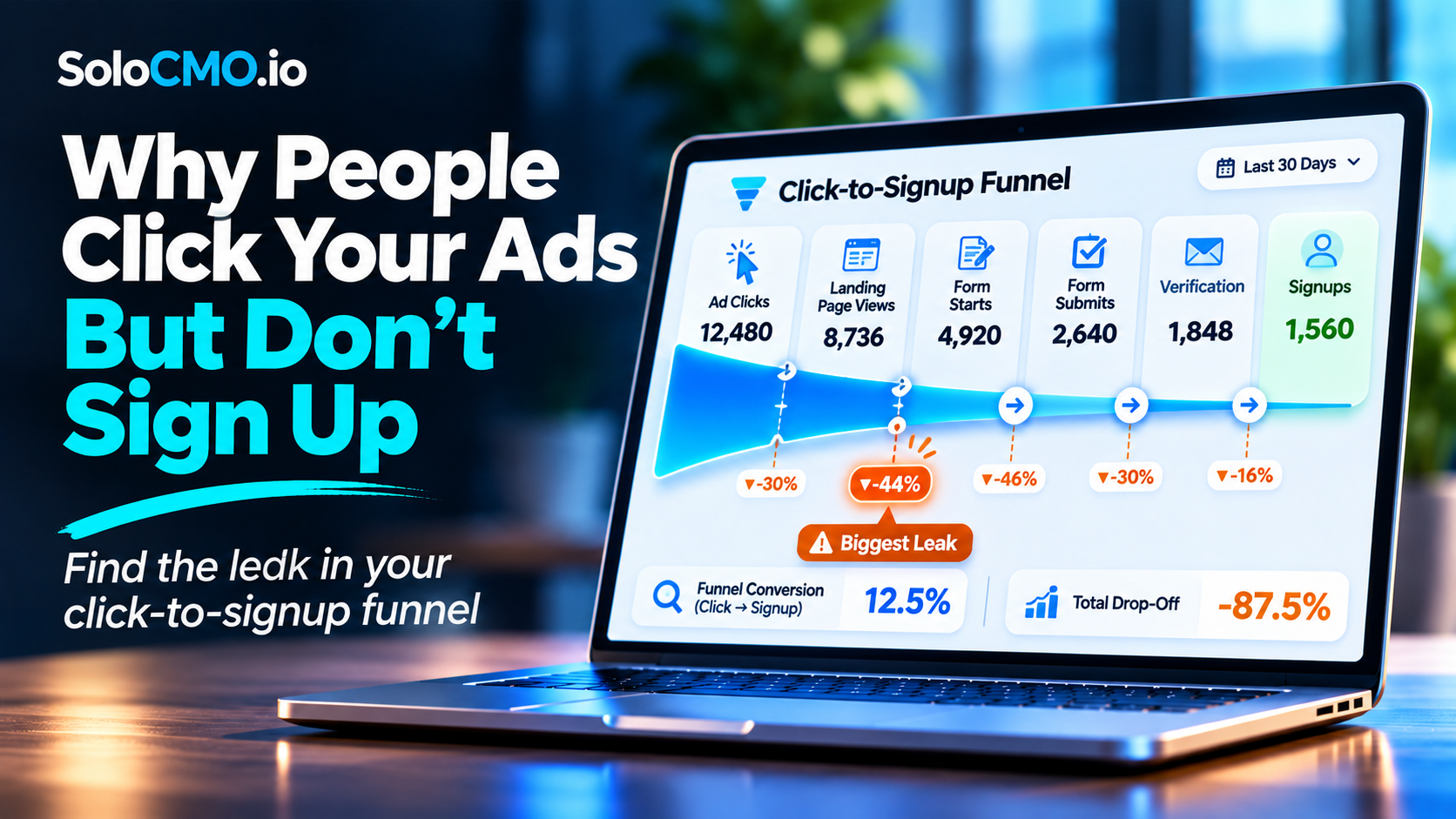
Where Leads Drop Off Between Ad Click and Signup
Funnel drop off between click and signup occurs at six points: the ad click, page load, above the fold, form start, form submit, and verification. The most significant leaks usually sit upstream, where the ad promise fails to match the page or where the page loads too slowly on mobile before the form ever appears. If your paid ad campaigns show
Get Smarter About Your Marketing
Practical SEO, AI, content, and marketing strategies you can put to work immediately.
Join the Newsletter