Local SEO
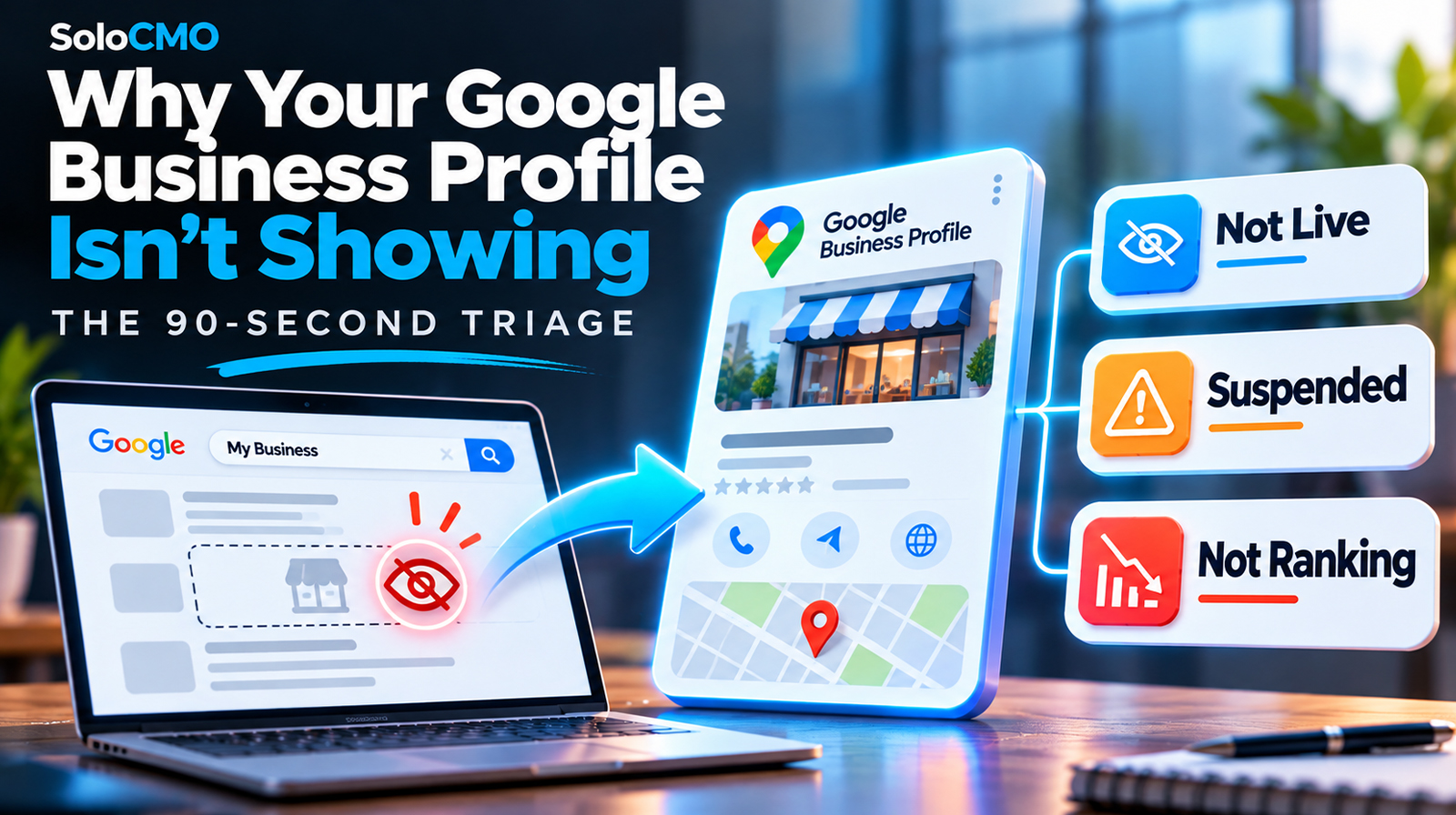
A Google Business Profile usually fails to appear because it is unverified or suspended, the business type is ineligible, the category or details are wrong or incomplete, a duplicate is suppressing it, or relevance, distance, and prominence are weak. This is a known, diagnosable problem, and this guide gives you an ordered path built on local SEO fundamentals, so you can sort your google business profile not showing issue into one of three buckets in about 90 seconds.
Key Takeaways
- Triage first. Spend 90 seconds on three checks before you touch a single setting.
- Check status in Business Profile Manager. Many “missing” listings are unverified, unpublished, or suspended.
- Verified does not mean ranking. A live listing can still sit outside the Google Local Pack on relevance, distance, or prominence.
- Suspensions need a reinstatement request with evidence, and editing during review can slow things down. Read the Google Business guidelines first.
- Track impressions, calls, and direction requests in the Performance report to prove recovery to leadership.
How Do I Find Out Why My Business Isn’t Showing? A 90-Second Triage
You do not need to read every cause. You need to sort your problem into one of three buckets: not live, suspended, or live but not ranking. Three quick checks will do it, and they work even if you are juggling five other channels today.
What Are the Three Triage Checks?
Run these in order and write down what you see.
- Search your exact business name in a signed-out or incognito window.
- Search “your category + near me” on Google Maps.
- Open Business Profile Manager and read the status label on your listing.
- Jot the results in a note as you go. You will use them again on Day 1 of the recovery plan and in your report to leadership.
Why Does Testing From the Wrong Place Mislead You?
Google personalizes results. If you are logged in, sitting in the office, or have visited your own listing a dozen times, your listing can look present or missing when the reality is different. One practitioner writeup on roofing marketing notes that checking while logged in can hide your own listing. Test signed out, and ask a colleague on a different network to confirm. For a quick check on your web pages, search site:yourdomain.com and see whether Google returns them. That also confirms your main pages are indexed at all, which matters for the rest of your site’s visibility in any search engine.
Which Section Should You Jump To?
Use your results to route yourself.
Can’t find the listing by name, or the status shows verification or suspension? Go to the next two sections. If you find it by name but it vanishes for category searches, you have the classic case of a business showing for its own name but not its category, so skip to the ranking section. If the listing flickers, duplicates, or shows odd details, jump to the hidden filters section. Google Search and Google Maps can also behave differently for the same listing, so check both before you decide. Most cases lead to a fix you can finish in hours.
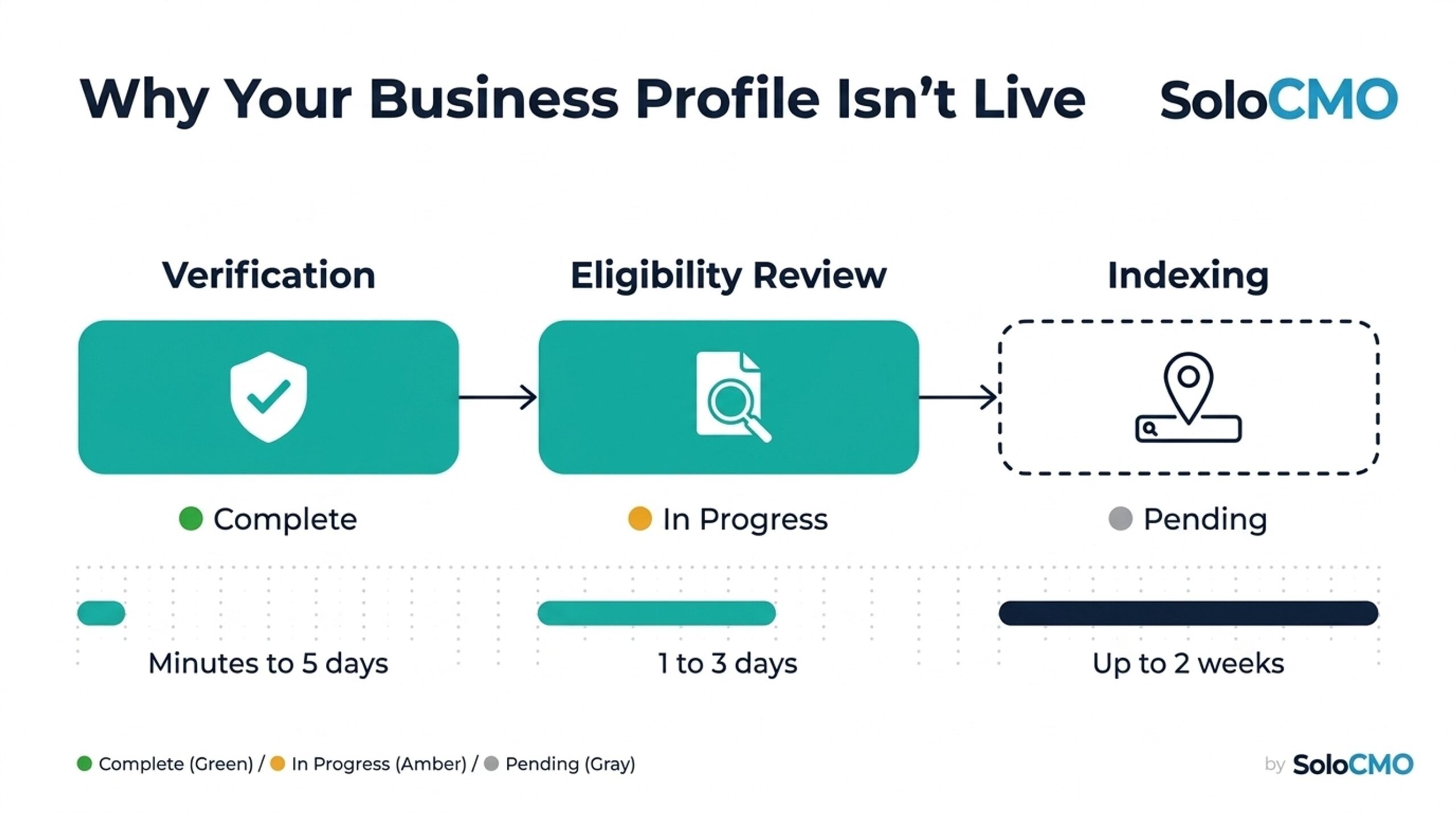
Why Is My Business Profile Not Live? Verification, Eligibility and Indexing Delays
If the status label points to verification or publishing, start here. These problems are the most common, and often the quickest to fix.
Does an Unverified Business Profile Show in Search Results?
Generally, no. Unverified listings rarely surface in standard Google Search results, and Google’s own documentation treats verification as the step that unlocks full visibility. If your status says “Verify now,” finish that step before anything else. Nothing else in this guide matters until the listing is verified.
How Do You Fix Failed or Stuck Verification?
Google offers video, phone, email, and postcard options, depending on your business type. Postcards can take roughly 5 to 14 days, per practitioner estimates. Google staff review video verification, and it can take up to five business days. Keep failing video? Make sure your recording shows the signage, the premises, and proof that you manage the place. If your website is already verified in Google Search Console, you may qualify for instant verification, which can skip the wait entirely.
How Long Does a New Profile Take to Appear?
A newly verified listing typically appears within days to a few weeks, though sources vary widely, from 24 hours to two weeks. Treat this as a normal indexing delay in the search engine, not a fault. If nothing shows after two weeks, check for a “not published” status. That label usually means a policy or eligibility flag, and the notice inside Business Profile Manager explains why.
Also confirm you picked the right setup. A storefront shows its address. A service-area business (SAB) hides the address and cannot use a PO box or virtual office as a physical location, per Google’s Representing Your Business guidelines. A mismatch here can block publishing, and fixing it is a standard local SEO cleanup task. If you are not sure which setup fits your business, that is a fair question to settle before you edit anything.
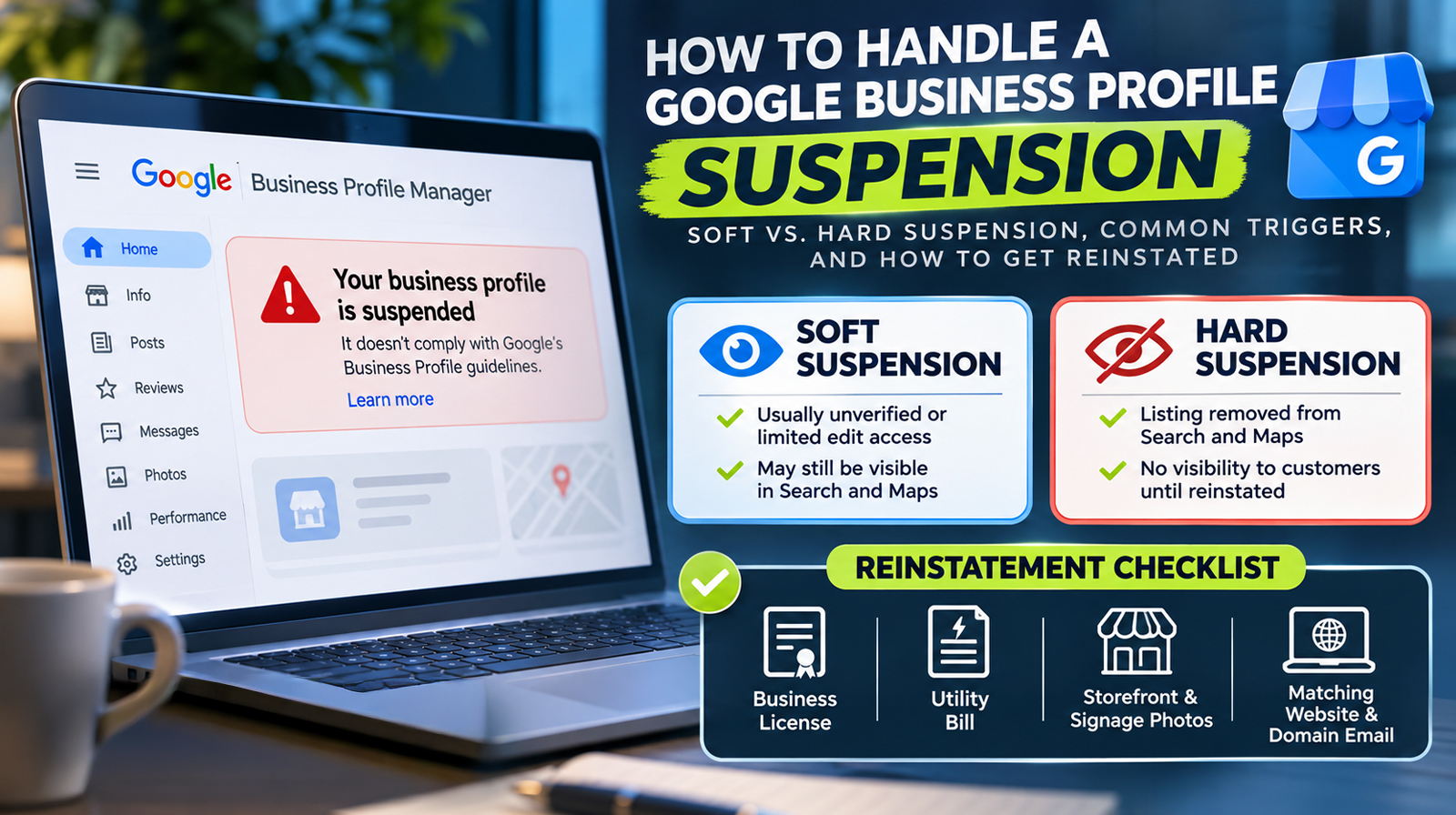
How Do I Know if My Google Business Profile Is Suspended, and How Do I Get It Back?
If Business Profile Manager shows a suspension notice, treat the rest of this guide as secondary. Suspension changes how you should act.
What Is the Difference Between a Soft and Hard Suspension?
A soft suspension usually means the listing is unverified or you lose edit access, but it may still be visible. A hard suspension removes the listing from Search and Maps entirely. Business Profile Manager shows a notice either way. See “Suspended,” or can’t edit? Assume you need a formal request.
What Triggers a Suspension?
Most triggers come from the Google Business Profile guidelines, including the Prohibited and Restricted Content rules. Typical culprits are:
- A business name stuffed with keywords, such as adding a service or city to the legal name
- A virtual office or PO box used as a physical address
- An ineligible service-area setup
- Prohibited or restricted content
Here is a hypothetical illustration, not a real case. A consultancy renames its listing to “Acme Marketing Best SEO Agency Cheap” to chase searches. Within weeks, the listing gets a soft suspension. The first fix is reverting to the real name before filing a request.
How Do You File a Reinstatement Request That Gets Approved?
Use the Google Business Profile reinstatement request form, and gather evidence first: a business license, a utility bill, storefront and signage photos, and proof that your site and domain email match your business. Resist the urge to keep editing while the request is pending, since that can slow review. The Google Business Profile Help Community is a useful place to sanity-check your plan.
Practitioners reported enforcement waves in spring 2026, including account-level restrictions that hit Google Local Services Ads advertisers, who rely on paid ads for leads. Treat those as reports, not Google statements. No one can promise a reinstatement date, and reported timelines range from days to several weeks. While you wait, paid ads may be the only way to keep leads flowing, and a small test budget for search ads can bridge the gap.
If your first request is denied, you are not out of options. A denial often means the evidence did not match the listing, not that the case is closed, so compare your documents against the notice before you resubmit.
My Profile Is Live, So Why Isn’t It Ranking in the Google Local Pack?
A live listing can still be invisible in practice. Google’s local ranking comes down to three factors: relevance, distance, and prominence.
How Do Relevance, Distance and Prominence Decide Local Rankings?
Relevance is how well your listing matches the search. Distance is how close the searcher is to your pin. Prominence is how well known you are, based on reviews, links, and mentions. You can change relevance in an afternoon. You cannot override distance at all, because a searcher far from your pin may simply not see you.
Why Is My Profile Verified but Not Showing for Category Searches?
Often the cause is a weak primary category. Whitespark’s 2026 Local Search Ranking Factors survey of 47 experts scored primary category at 227, proximity at 225, and keywords in the title at 223, and ranked an incorrect primary category among the top negative factors. Picture a listing set to “Consultant” competing against rivals with precise categories. The precise ones tend to win. Check your secondary categories, services list, and description too.
Learn More: https://solocmo.io/5-signs-your-business-has-a-local-seo-visibility-problem/
Which Prominence Signals Can One Person Move Fastest?
Reviews matter. BrightLocal reports that 71% of consumers use Google for local search, and 47% say they would not use a local business with fewer than 20 reviews. Review velocity and owner responses help too. Citations, site authority, and backlinks take weeks, so start them early. Treat this as search engine optimization for your listing: steady, compounding signals beat one-off tweaks. A consistent local SEO routine of review requests and citation upkeep is what makes those signals compound, and it takes less time than most people expect once it is on your calendar.
One myth to drop: paid ads, including Google Local Services Ads, do not lift your organic map ranking. They are a separate channel, and running more ads will not fix a weak listing. A healthy site supports prominence, and Search Console can confirm your landing page on that site is in good shape.

What Hidden Filters and Data Issues Make a Business Profile Disappear?
When the basics check out, the cause is often buried in your data. These problems are easy to miss and easy to confirm.
How Do Duplicate Listings and NAP Mismatches Suppress a Profile?
Google’s policy is that duplicate listings will not show on Search or Maps. To find one, search your business name and phone number in Maps. Moved offices recently? An old listing may linger as a duplicate. Fix it by merging or requesting removal.r
NAP consistency (name, address, phone) matters across the web. Audit it with BrightLocal, Whitespark, or Moz Local, and clean up citations as part of your local SEO routine. Mismatched details make it harder for Google to tell which listing is real, and the same inconsistency can confuse the search engine when it crawls your site. Fixing this is basic search engine optimization hygiene for any business with a physical location, and it ties into broader engine optimization work on how your business details appear across the web. If you manage more than a handful of locations, expect this step to take real time, and know that it is a common point where people ask for a second pair of hands.
Why Did My Google Business Profile Suddenly Disappear From Search?
Sudden drops usually trace to one of four things: a suspension, an edit flagged for review, a duplicate filter, or an algorithm shift. Name, address, and category edits can trigger review and a temporary disappearance. Address or service-area changes can also suppress visibility, and so can wrong hours, such as a “permanently closed” mark. Confirm by checking Business Profile Manager for a pending-edits notice.
Can an Algorithm Update or Bug Hide My Profile?
Yes, though it is rarer than people assume. Before you change anything, check the Business Profile Help Community and local search industry trackers for reports of the same pattern. If many businesses report it, wait and watch instead of editing. Panic edits cause more harm than good.
Symptom, Cause, Fix and Recovery Time: Which Row Matches Your Business?
Use this table as your lookup. Recovery times are ranges, and suspension has no guaranteed timeline.
Which Symptom Row Matches Your Profile?
| Symptom | Likely cause | Fix | Typical recovery time |
|---|---|---|---|
| “Verify now” label, no public listing | Unverified | Complete video, phone, email, or postcard verification | Hours to about 2 weeks |
| Postcard never arrives | Pending postcard | Wait, then request another method | About 5 to 14 days |
| Status says “Not published” | Eligibility or policy flag | Read the notice, fix address or type | Days |
| Edit access lost, still visible | Soft suspension | Remove violations, file reinstatement request | No guaranteed timeline |
| Gone from Search and Maps | Hard suspension | Gather evidence, file request | Reported 1 to 5 weeks |
| Two listings for one business | Duplicate | Merge or request removal | Days to weeks |
| Found by name, not by category | Wrong or weak category | Fix primary category and services | Days to weeks |
| Mixed details across the web | NAP mismatch | Clean citations | Weeks |
| Listing vanished after an edit | Edit under review | Wait, avoid more edits | Days |
| Sudden drop, no notice | Algorithm shift | Monitor, then adjust | Varies |
Which Recovery Times Are Documented and Which Are Estimates?
Google documents a review window of up to five business days for video verification. Nearly everything else comes from practitioner estimates, such as Thryv’s 1 to 5 weeks for reinstatement. Present them to leadership as ranges. A listing can also appear in Google Maps but not in Google Search, or the reverse, so test both before you declare it fixed. A quick Google search for your business name and category, run signed out, is the simplest final check.
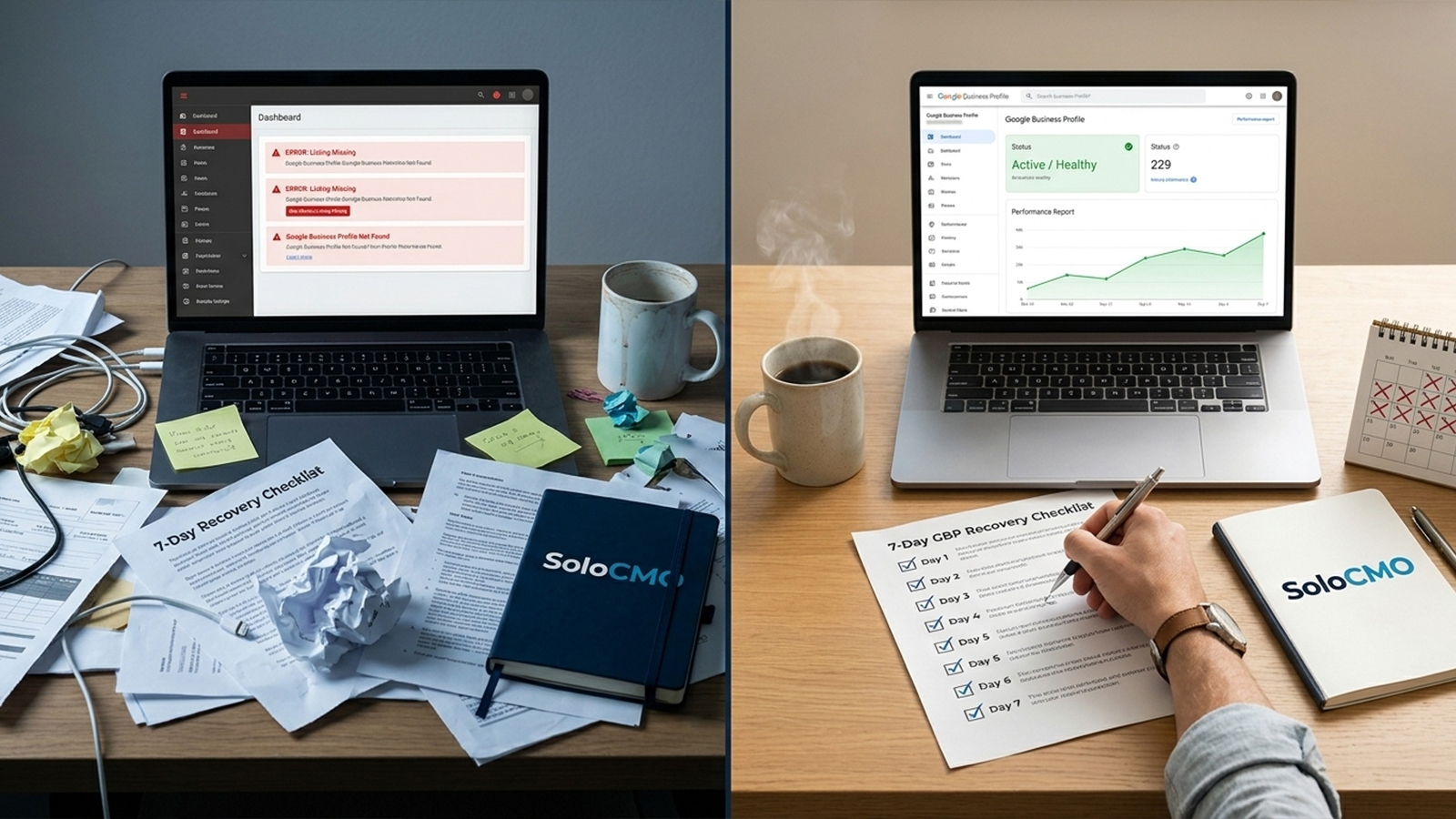
What Does a 7-Day Recovery Plan Look Like for One Person?
This plan fits about five to six hours across a week, which is realistic when you own every channel. If a day gets eaten by a fire drill, slide the plan forward a day. The order matters more than the pace.
What Should You Do on Each of the Seven Days?
- Day 1 (30 min): Run the triage and record your status.
- Day 2 (45 min): Finish verification, or gather suspension evidence.
- Day 3 (60 min): Hunt duplicates and audit NAP.
- Day 4 (45 min): Fix categories, services, hours, and the description.
- Day 5 (60 min): Ask for reviews, reply to old ones, and fix key citations.
- Day 6 (45 min): Check your site and Search Console for indexing errors.
- Day 7 (30 min): Capture a baseline report.
How Do You Prove the Recovery to Leadership?
Pull before and after numbers from the Business Profile Performance report: impressions, calls, and direction requests. Explain which causes fix in hours and which depend on Google’s review. That honesty protects your credibility if a suspension drags on. A short plain-language summary works best, such as what broke, what you fixed, and what is still waiting on Google.
What Does a Simple Reporting Template Look Like?
Metric | Baseline | Current | Change | Note
Impressions | ___ | ___ | ___ | Source: Performance report
Calls | ___ | ___ | ___ | After category fix
Direction requests | ___ | ___ | ___ | After verification
Fill it weekly. One page is enough.
FAQ
How long does it take for a Google Business Profile to show up in search?
A newly verified Google Business Profile typically appears in search within a few days to a few weeks. Postcard verification adds roughly 5 to 14 days. If your listing is still missing after two weeks, check for an eligibility or status problem, since stubborn cases often benefit from expert review.
Why is my Google Business Profile not showing up on Google Maps?
A Google Business Profile usually misses Google Maps because it is unverified, suspended, filtered as a duplicate, or weak on relevance and distance. Maps and Search can differ for the same listing, so test both. When several causes overlap, an expert diagnosis can save you days.
Why does my business not appear when I search for it by name?
A business usually fails to appear by name because of a suspension, an unverified status, or a duplicate filter. Test signed out first to rule out personalization. If a verified listing still will not surface by name, the suppression is often subtle and worth handing to a specialist.
How do I know if my Google Business Profile is suspended?
A Google Business Profile is suspended when Business Profile Manager shows a suspension notice, you lose edit access, or the listing disappears from public results. Read the notice carefully. Interpreting it and preparing the right evidence is where appeals are won or lost.
Why did my Google Business Profile suddenly disappear from search?
A Google Business Profile suddenly disappears most often because of a suspension, an edit flagged for review, duplicate filtering, or an algorithm shift. Rule out the correct cause before editing again, since extra edits can make things worse. Expert review helps when the cause is unclear.
Does an unverified Google Business Profile show in search results?
An unverified Google Business Profile generally does not show in standard search results. Complete verification by video, phone, email, or postcard to go live. If verification fails or loops, that is a good point to bring in outside help.
Conclusion
Start with status, then the bucket, then the fix. Most missing listings come down to verification, a category problem, or a duplicate, and you can fix many of those in hours. Expect honest ranges instead of promises: days to weeks for most causes, and no guaranteed timeline for suspensions. Run the 90-second triage today, and use the 7-day plan to put numbers behind your recovery.
If you’ve hit repeated reinstatement denials or a duplicate cleanup across many locations, outside help can pay for itself, since only Google decides reinstatement but a specialist can prepare the case. If you would rather hand off the hardest part and keep your week for everything else on your plate, get an estimate and we will scope the work with you, with no pressure to commit.
Recent Posts
Content Refresh vs Rewrite: Which Fixes Decaying Blog Posts Faster
A content refresh ships faster, usually in 1 to 3 hours versus 4 to 8 for a rewrite, but a rewrite recovers faster when the decay stems from a search intent mismatch. The rule of thumb is to refresh the post if it still matches what searchers want and most of it is salvageable, and to rewrite it if the

How to Build a Topic Cluster From Scratch for Your SaaS Blog
To build a topic cluster, pick a pillar topic that fits your product, collect subtopic keywords, group them by SERP overlap and intent, size the cluster, link every page to the pillar, publish in stages, then measure at cluster level. That is how to build a topic cluster in a way you can defend to a founder, and our topical authority
Where Leads Drop Off Between Ad Click and Signup
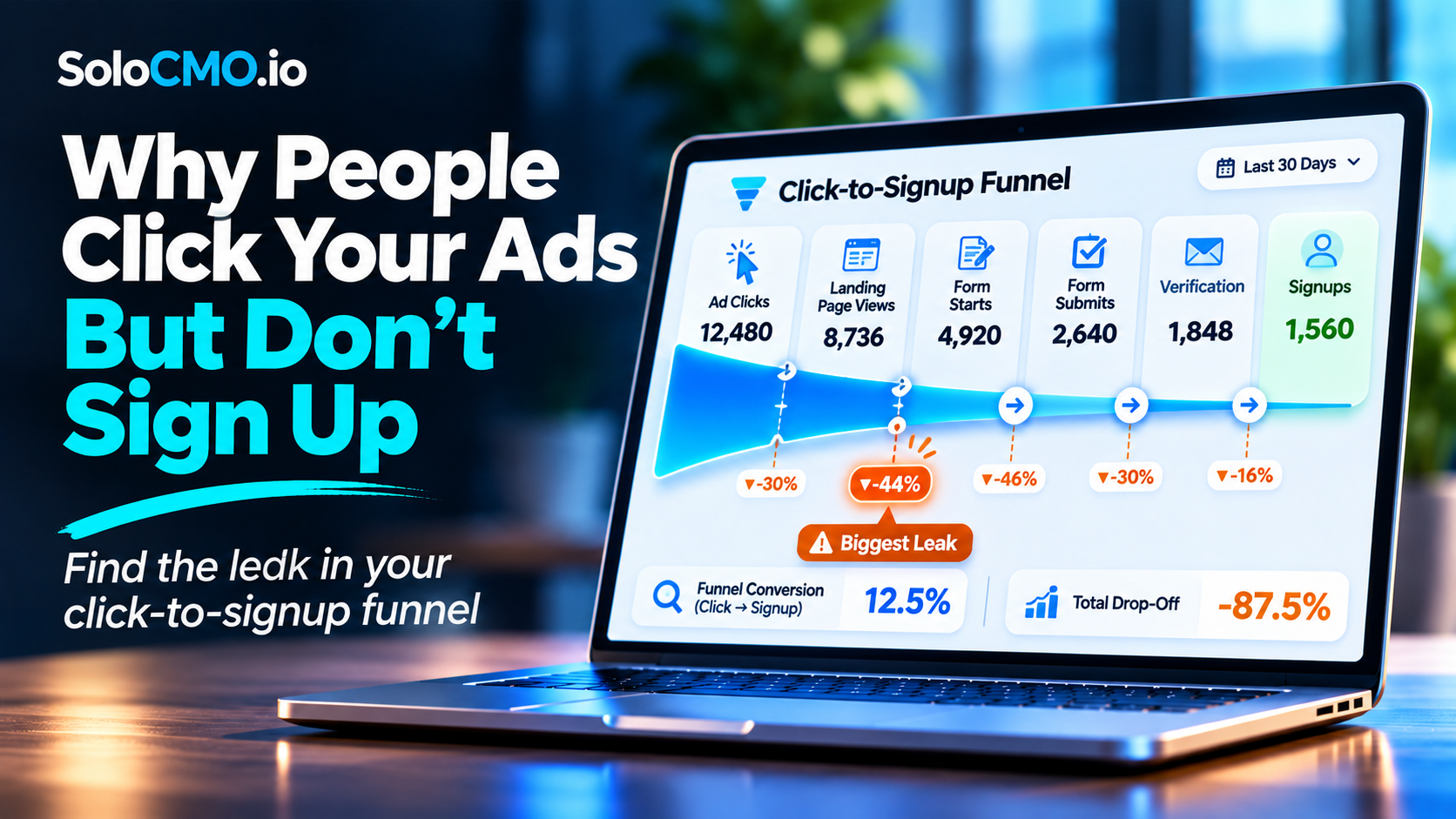
Funnel drop off between click and signup occurs at six points: the ad click, page load, above the fold, form start, form submit, and verification. The most significant leaks usually sit upstream, where the ad promise fails to match the page or where the page loads too slowly on mobile before the form ever appears. If your paid ad campaigns show
Get Smarter About Your Marketing
Practical SEO, AI, content, and marketing strategies you can put to work immediately.
Join the Newsletter